
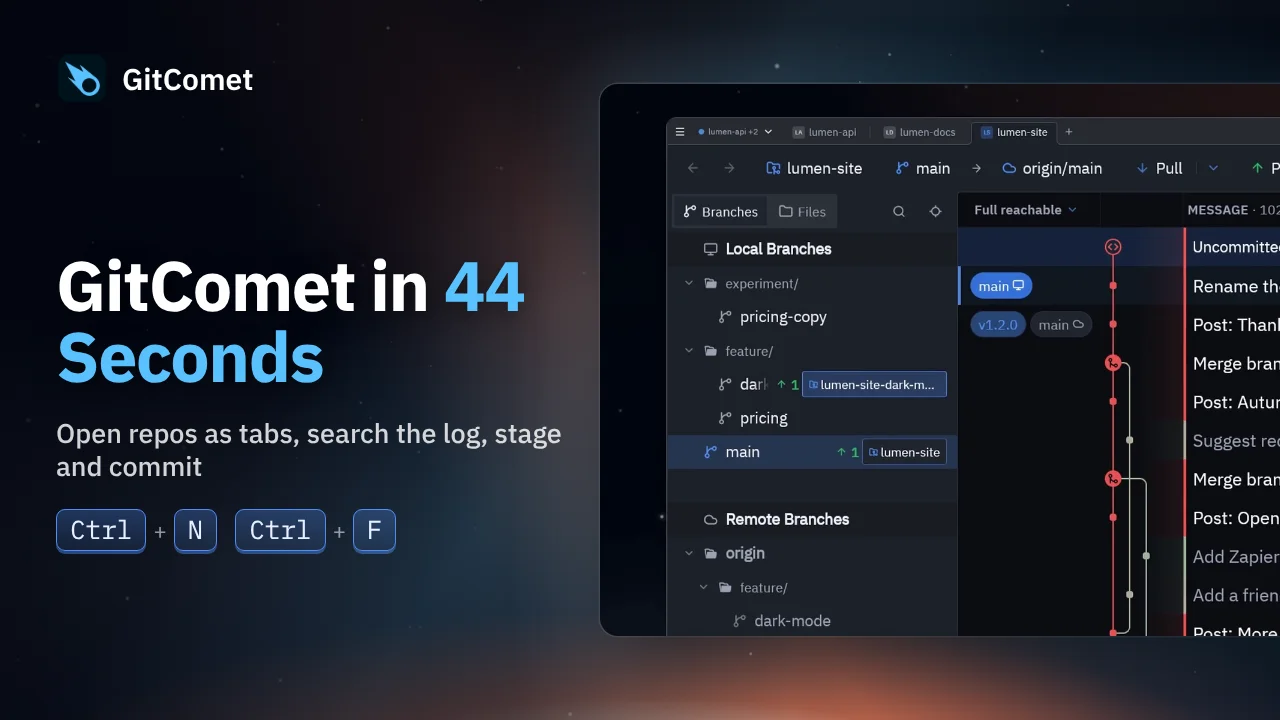
 44 seconds
1. GitComet in 44 Seconds
Open repositories and worktrees as tabs, find a commit, review its changes and make a focused commit. This short tour follows an everyday Git workflow in GitComet.
GitComet in action
Ten short demos, from your first commit to a cleaner branch history. Each comes with a written walkthrough so you can follow the steps at your own pace.
44 secondsOpen repositories and worktrees as tabs, find a commit, review its changes and make a focused commit. This short tour follows an everyday Git workflow in GitComet.
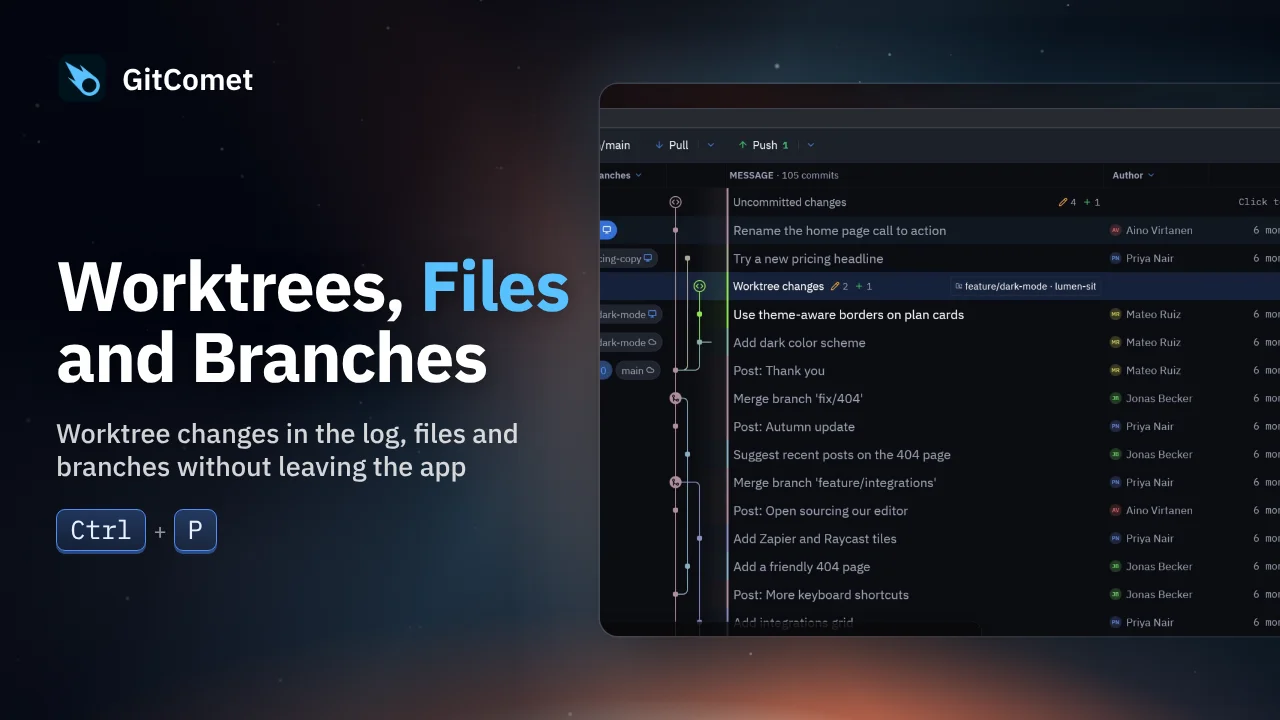 31 seconds
Inspect another worktree’s uncommitted changes from the log, duplicate and rename a file in the sidebar, then create and check out a branch without leaving GitComet.
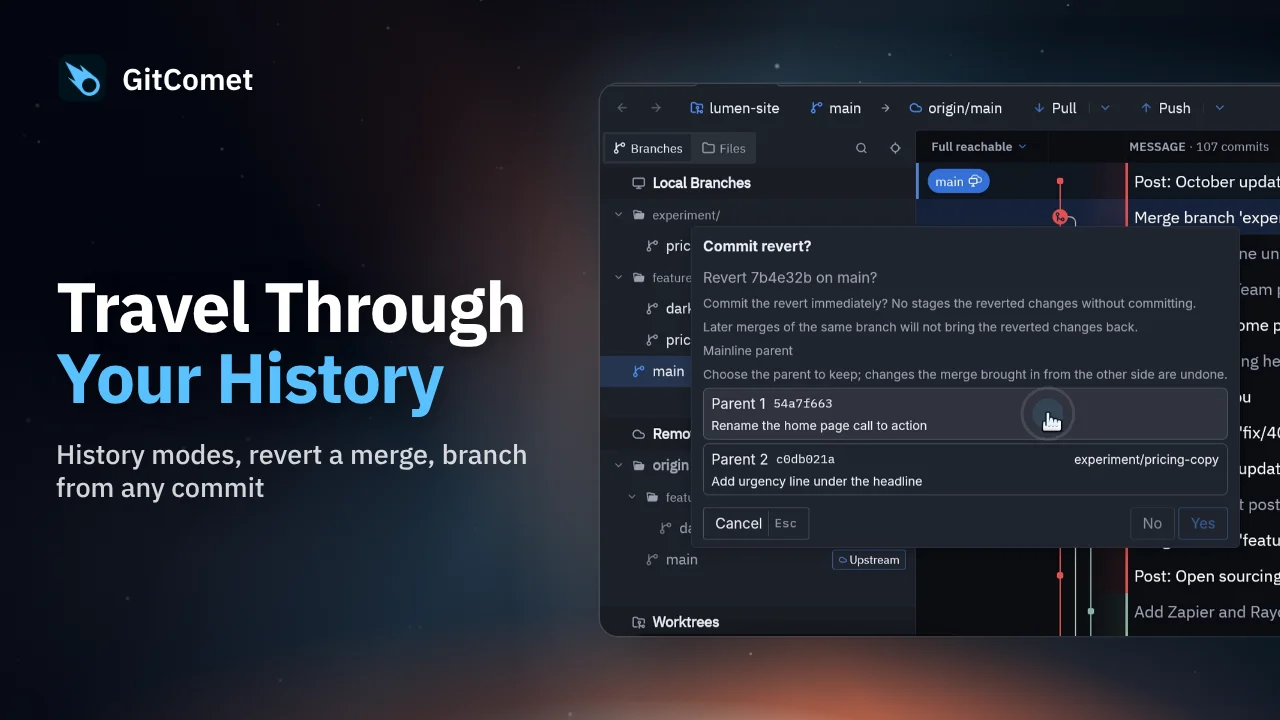 44 seconds
Choose a history view, revert a mistaken merge while preserving history, and create a hotfix branch from an earlier release. GitComet also shows another worktree’s changes directly in the log.
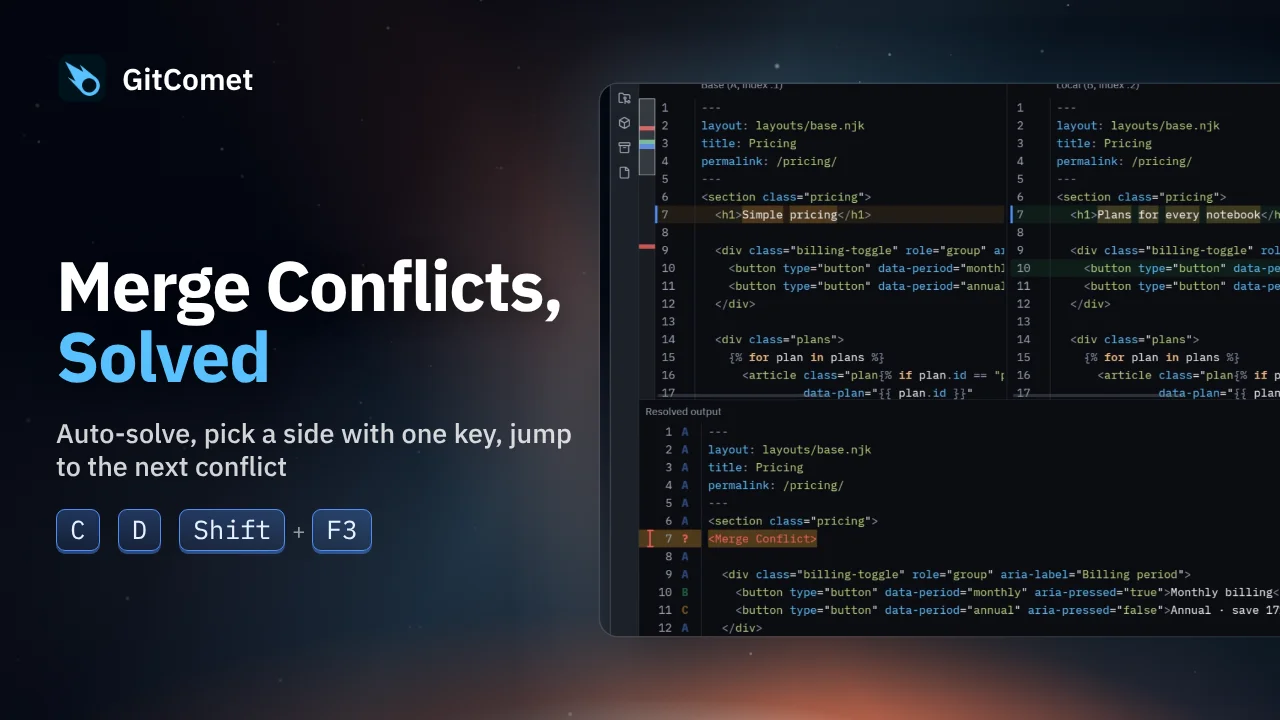 40 seconds
Resolve a Git merge with two conflicted files. GitComet handles the unambiguous conflicts, then lets you choose a side or keep both changes before committing the result.
 38 seconds
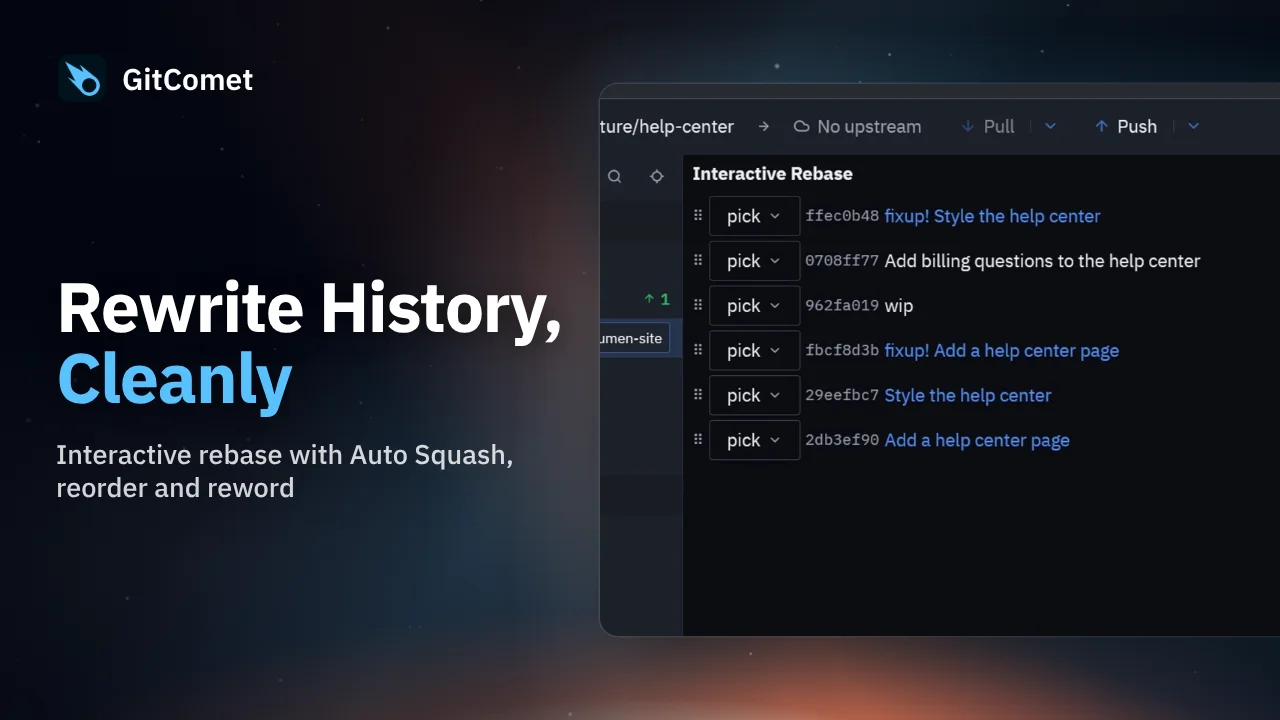
Clean up a branch with GitComet’s interactive rebase editor. Fold fixup commits into their targets, reorder the remaining commits and replace an unclear commit message before completing the rebase.
 48 seconds
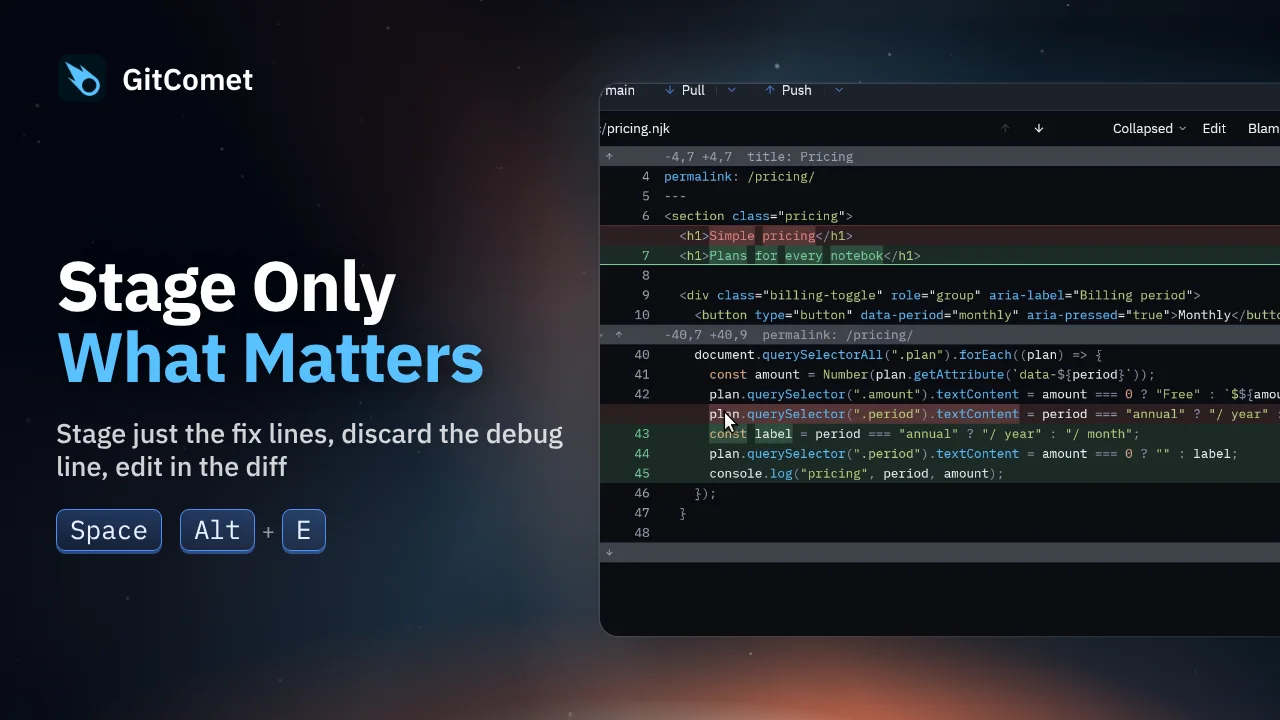
Turn several edits in one file into focused commits. Select and stage just the fix, discard a debug line, and edit a remaining typo directly in GitComet before committing the rest.
 43 seconds
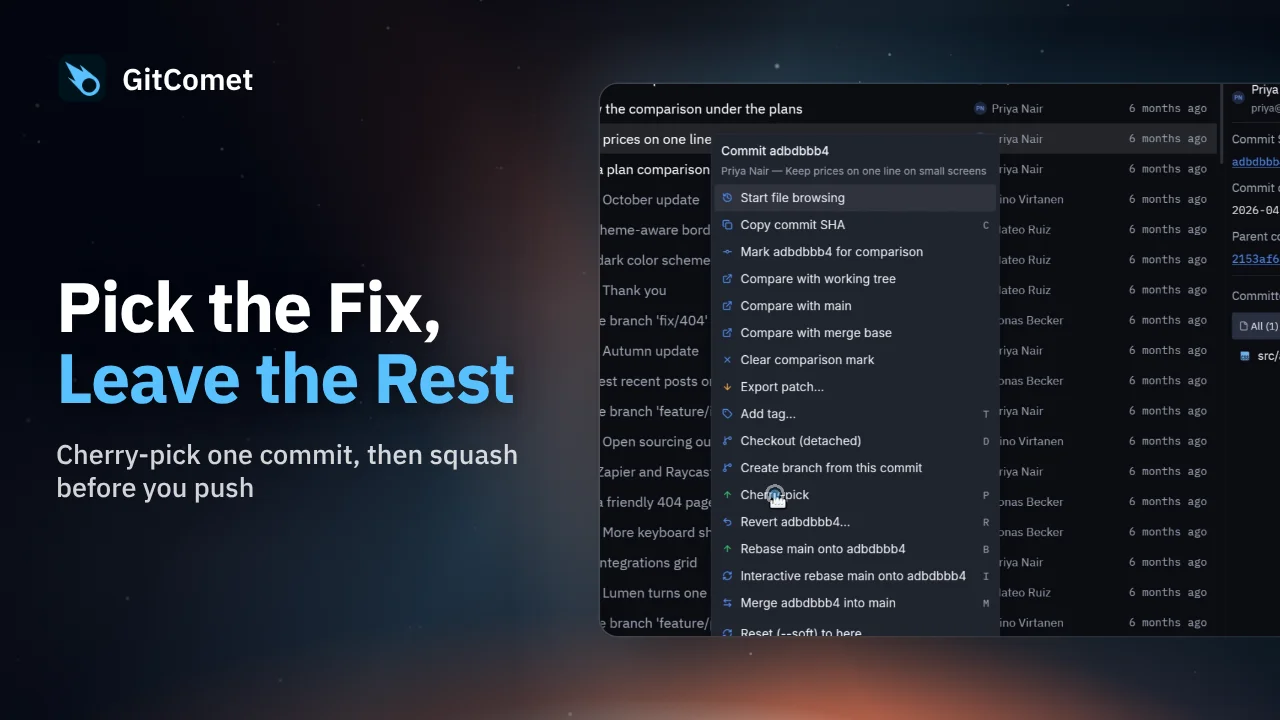
Bring one fix from a feature branch onto main without merging the rest of the branch. Then squash two unpushed commits into a single commit before pushing.
 29 seconds
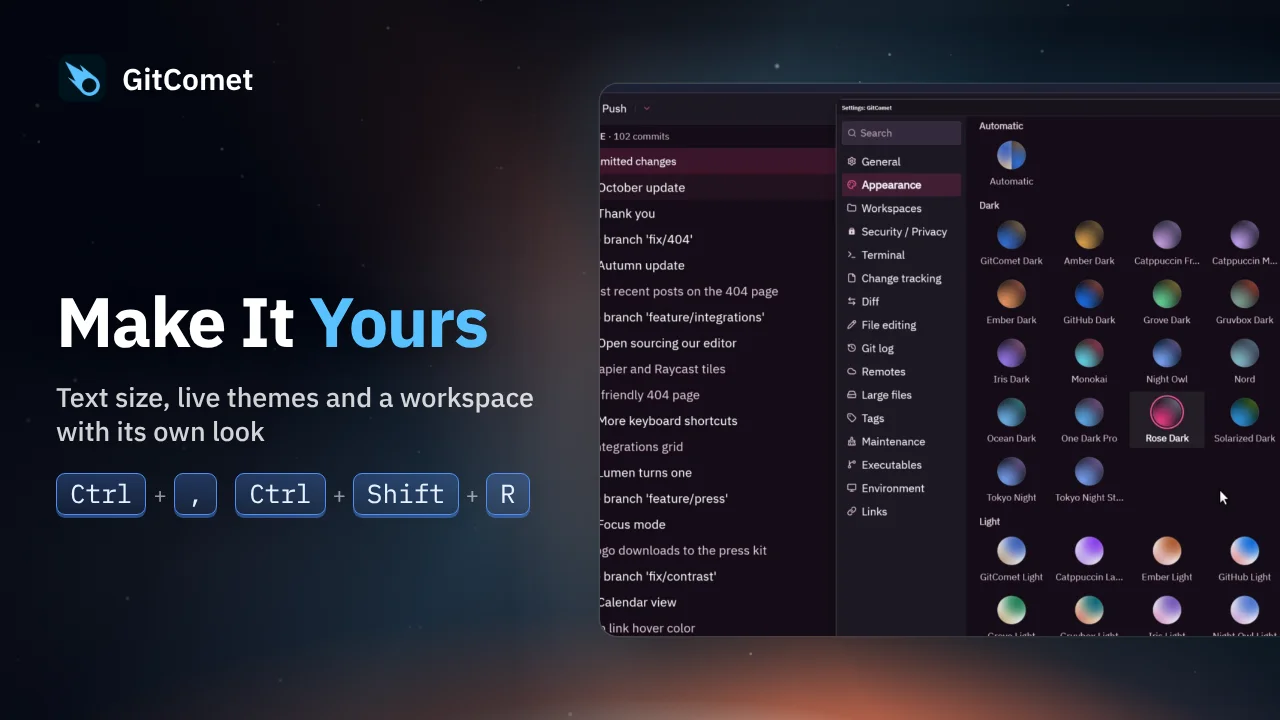
Adjust text size, switch between GitComet’s built-in themes and open another workspace with its own appearance. Theme changes appear immediately as you work.
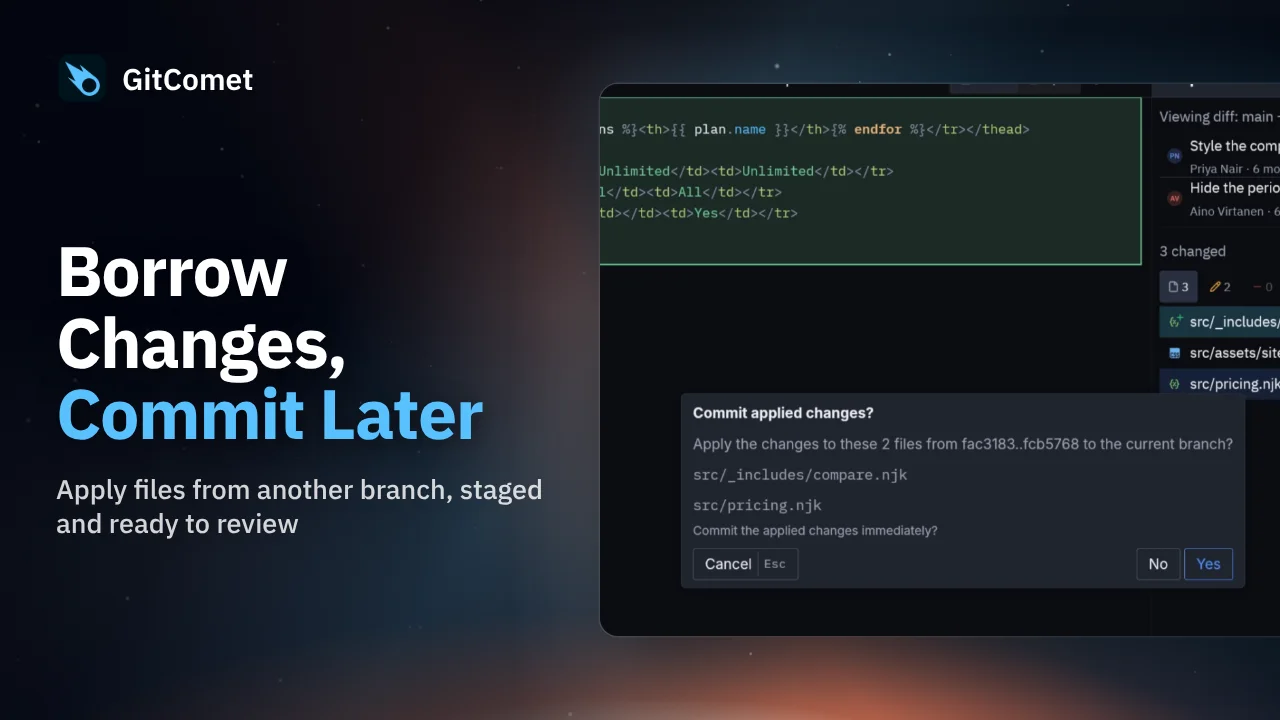 32 seconds
Apply selected files from another branch without bringing over its commits. GitComet stages the chosen changes on your current branch so you can review them before creating a commit.
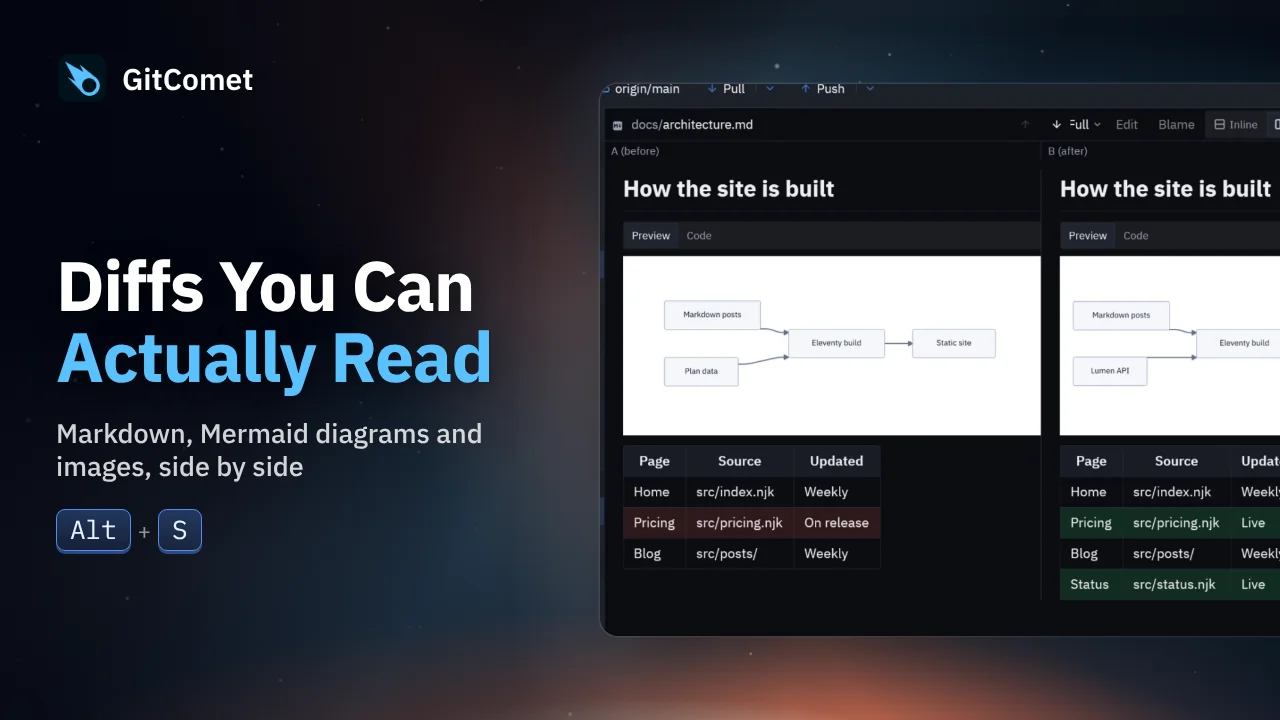 28 seconds
Review rendered Markdown, Mermaid diagrams, tables and image changes in GitComet. Compare before and after side by side, or switch back to source text when you need the exact edit.