
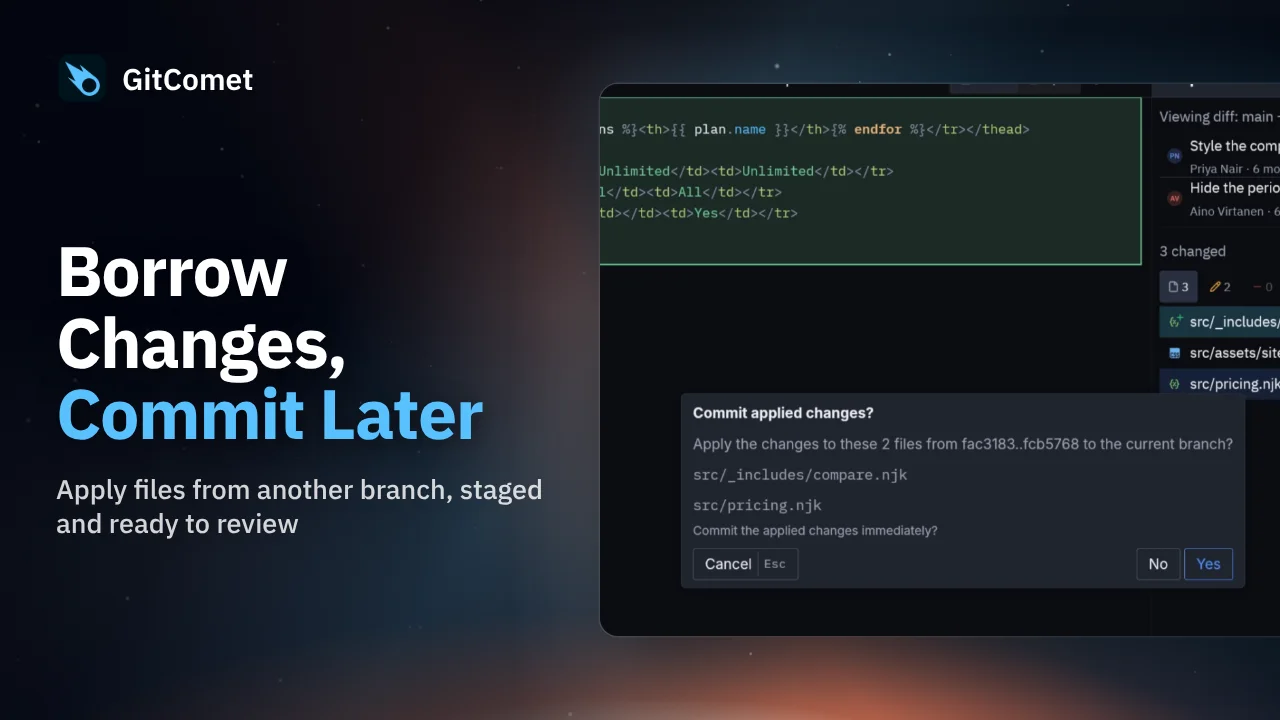
 32 seconds
Borrow Changes, Commit Later
Apply selected files from another branch without bringing over its commits. GitComet stages the chosen changes on your current branch so you can review them before creating a commit.
GitComet in action · 43 seconds
Bring one fix from a feature branch onto main without merging the rest of the branch. Then squash two unpushed commits into a single commit before pushing.
Watch on YouTube ↗ Download MP4 Watch the playlist on YouTube ↗
Follow along
Recorded on Linux. The shortcuts below match the recording.
32 secondsApply selected files from another branch without bringing over its commits. GitComet stages the chosen changes on your current branch so you can review them before creating a commit.
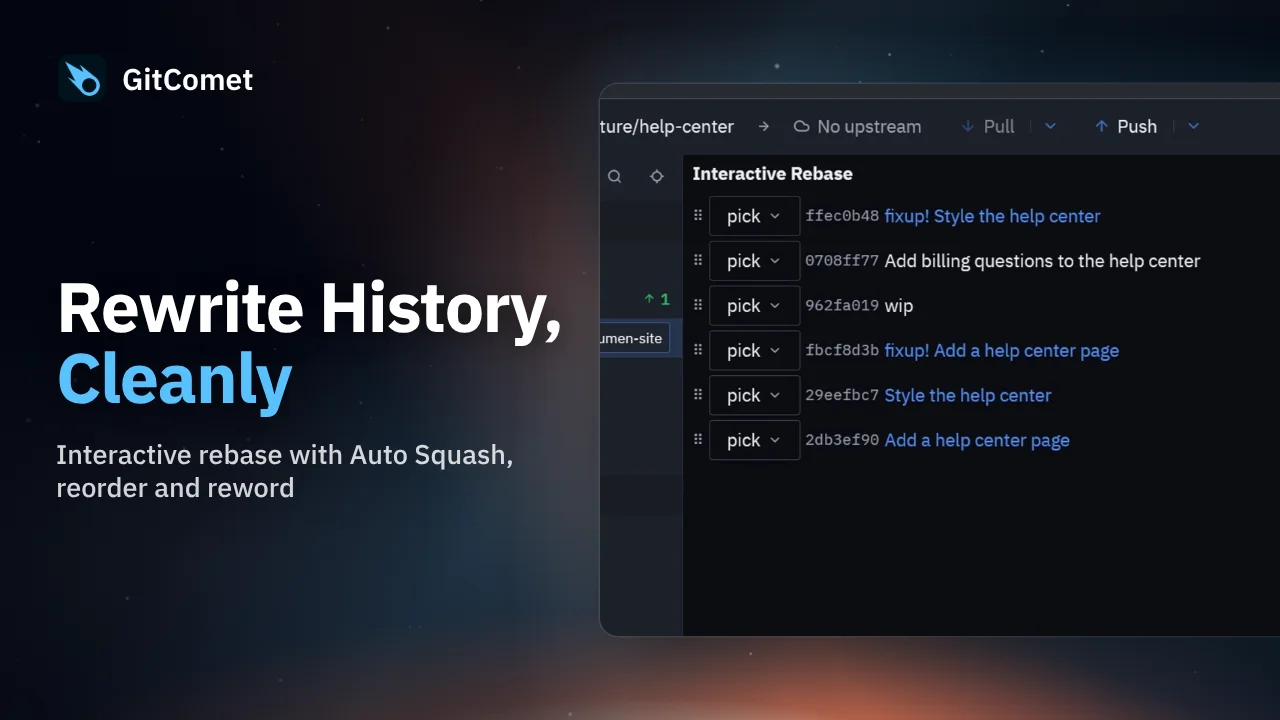 38 seconds
Clean up a branch with GitComet’s interactive rebase editor. Fold fixup commits into their targets, reorder the remaining commits and replace an unclear commit message before completing the rebase.
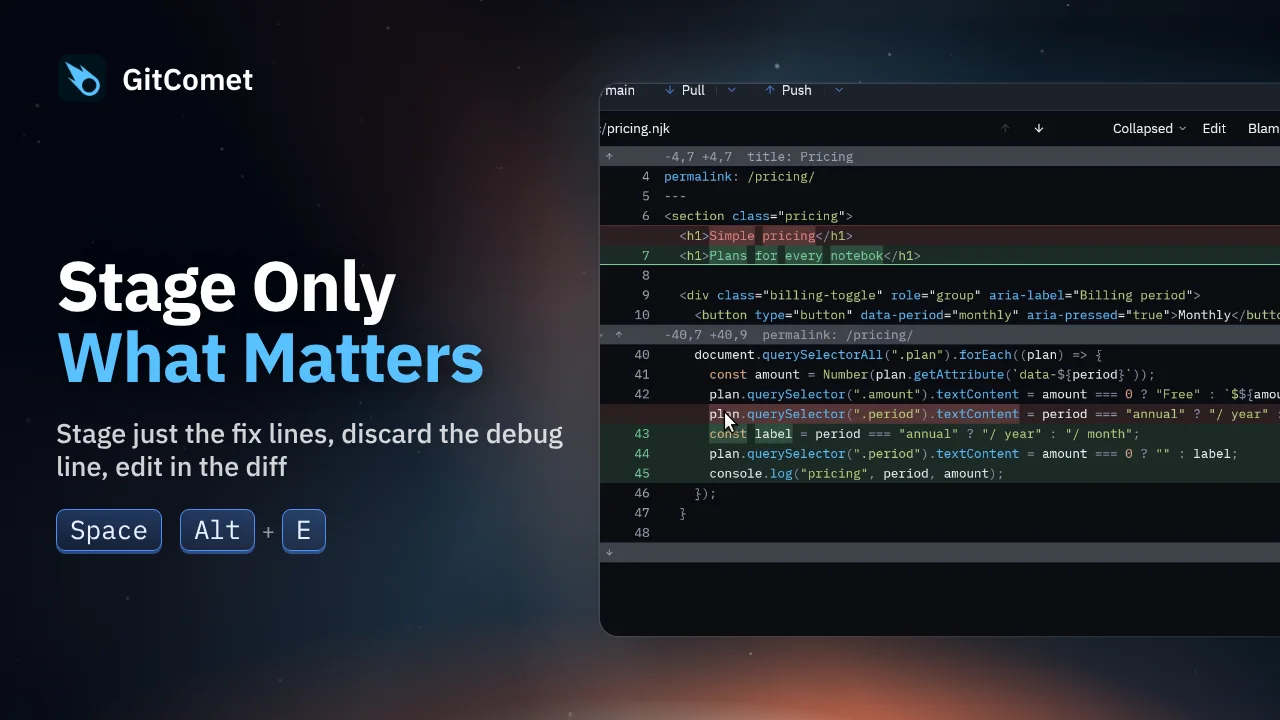 48 seconds
Turn several edits in one file into focused commits. Select and stage just the fix, discard a debug line, and edit a remaining typo directly in GitComet before committing the rest.