
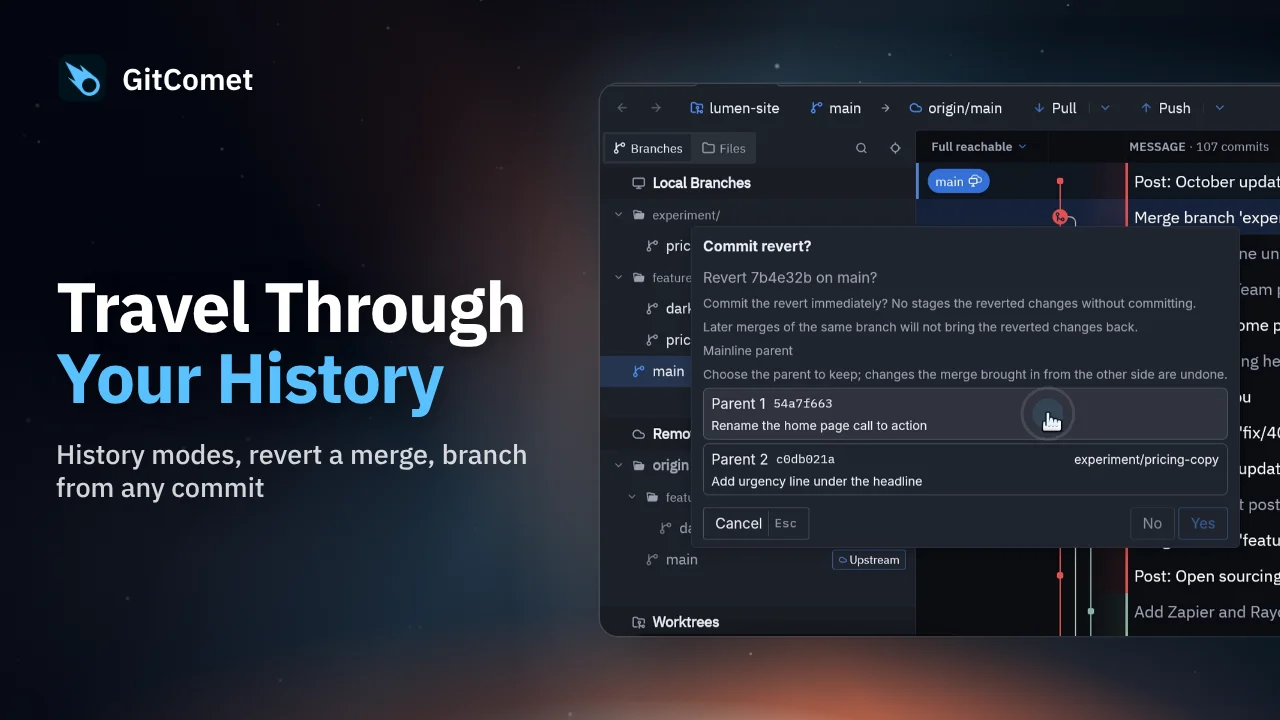
 44 seconds
Travel Through Your History
Choose a history view, revert a mistaken merge while preserving history, and create a hotfix branch from an earlier release. GitComet also shows another worktree’s changes directly in the log.
GitComet in action · 38 seconds
Clean up a branch with GitComet’s interactive rebase editor. Fold fixup commits into their targets, reorder the remaining commits and replace an unclear commit message before completing the rebase.
Watch on YouTube ↗ Download MP4 Watch the playlist on YouTube ↗
Follow along
Recorded on Linux. The shortcuts below match the recording.
44 secondsChoose a history view, revert a mistaken merge while preserving history, and create a hotfix branch from an earlier release. GitComet also shows another worktree’s changes directly in the log.
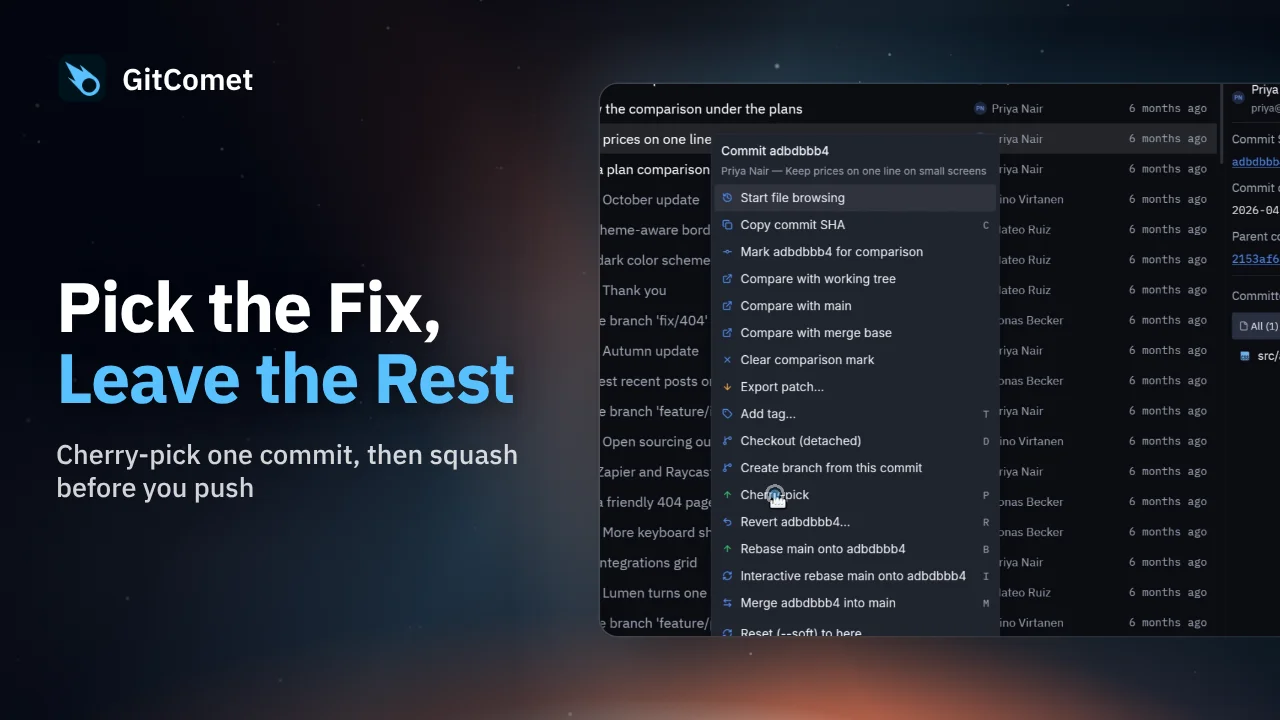 43 seconds
Bring one fix from a feature branch onto main without merging the rest of the branch. Then squash two unpushed commits into a single commit before pushing.
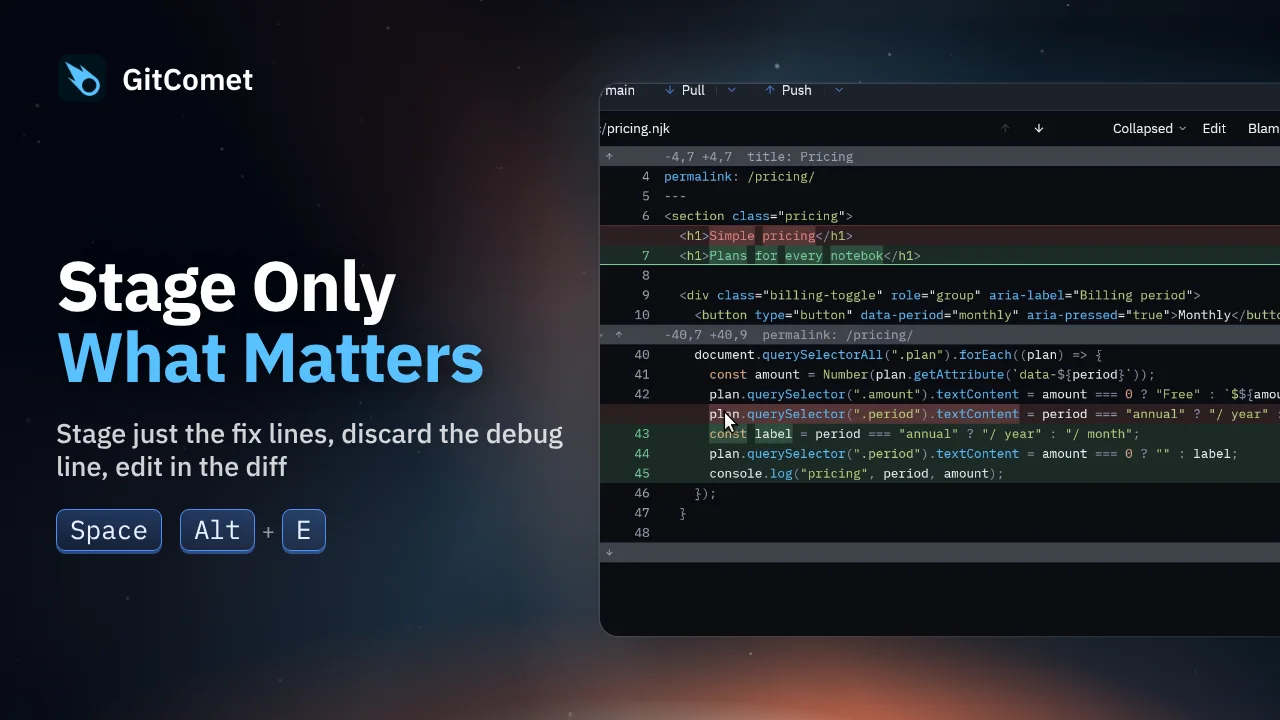 48 seconds
Turn several edits in one file into focused commits. Select and stage just the fix, discard a debug line, and edit a remaining typo directly in GitComet before committing the rest.