
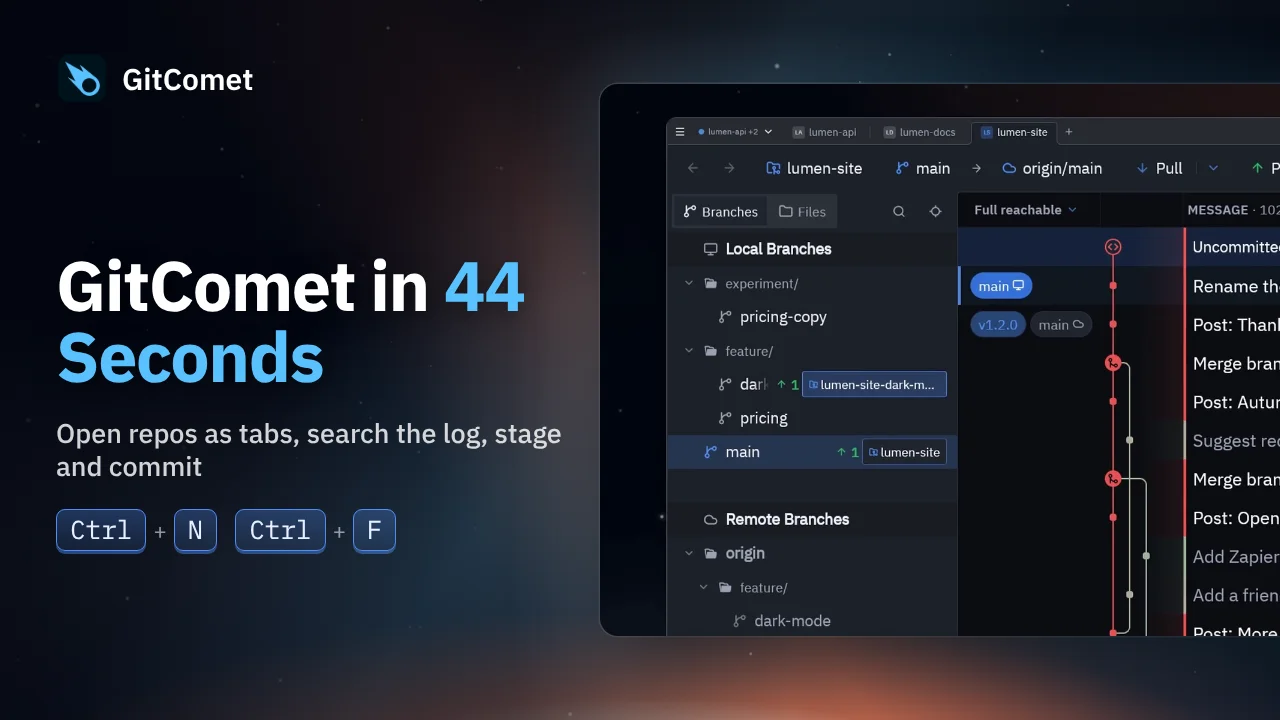
 44 seconds
GitComet in 44 Seconds
Open repositories and worktrees as tabs, find a commit, review its changes and make a focused commit. This short tour follows an everyday Git workflow in GitComet.
GitComet in action · 31 seconds
Inspect another worktree’s uncommitted changes from the log, duplicate and rename a file in the sidebar, then create and check out a branch without leaving GitComet.
Watch on YouTube ↗ Download MP4 Watch the playlist on YouTube ↗
Follow along
Recorded on Linux. The shortcuts below match the recording.
44 secondsOpen repositories and worktrees as tabs, find a commit, review its changes and make a focused commit. This short tour follows an everyday Git workflow in GitComet.
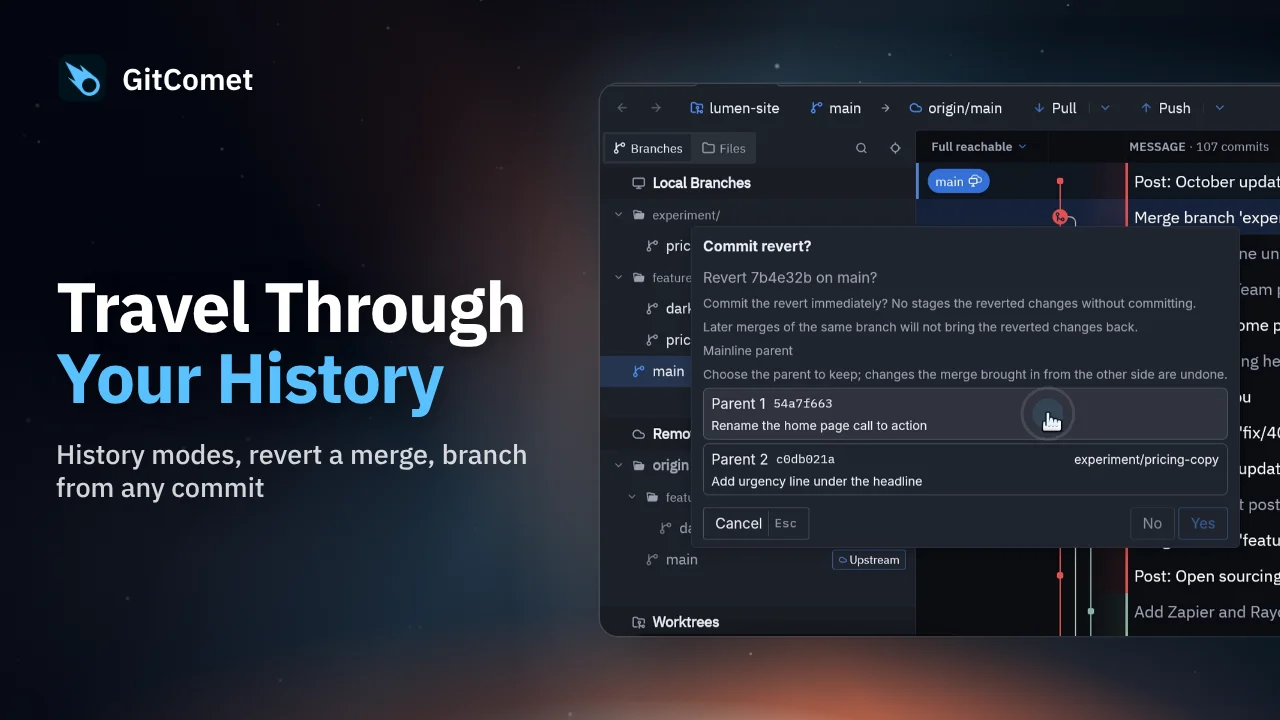 44 seconds
Choose a history view, revert a mistaken merge while preserving history, and create a hotfix branch from an earlier release. GitComet also shows another worktree’s changes directly in the log.
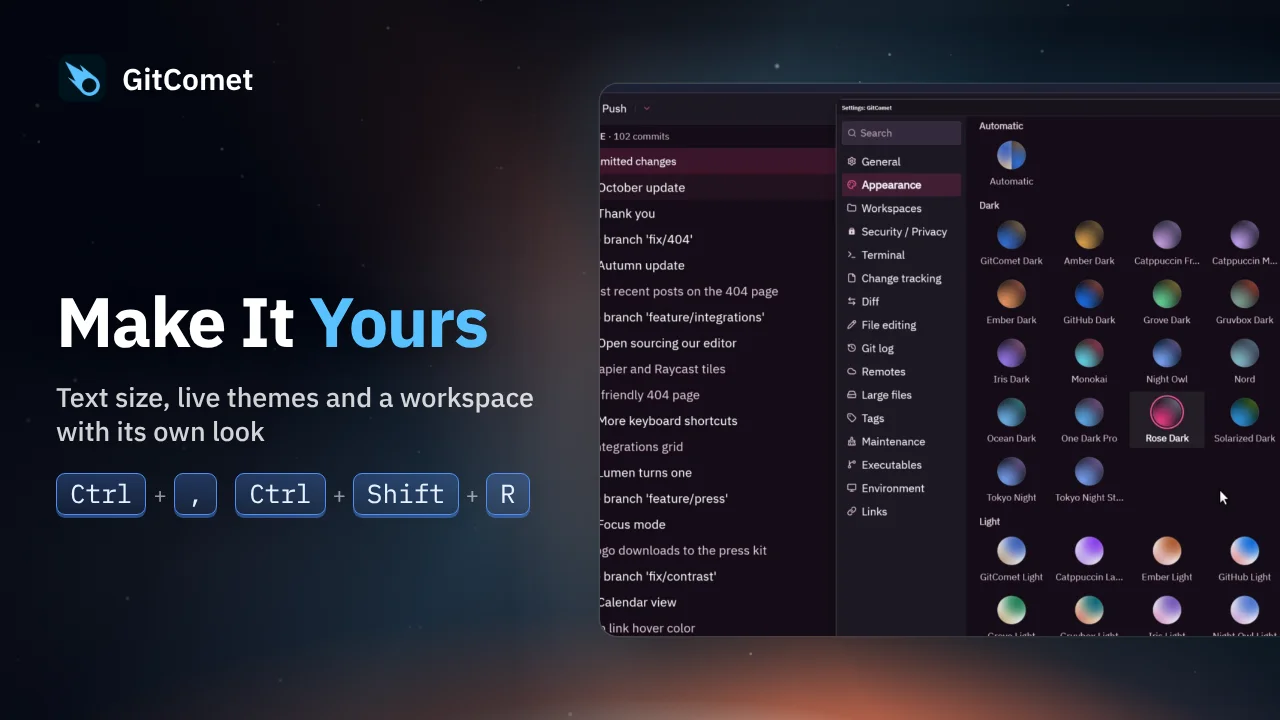 29 seconds
Adjust text size, switch between GitComet’s built-in themes and open another workspace with its own appearance. Theme changes appear immediately as you work.