
 31 seconds
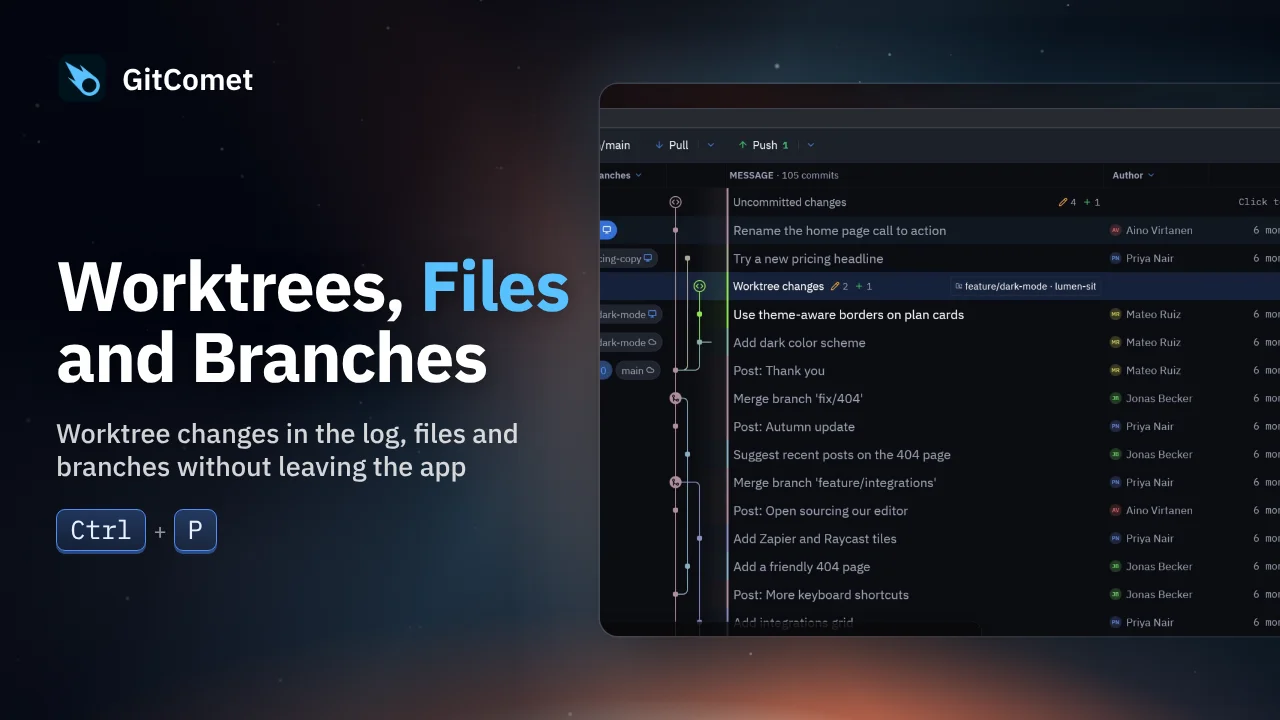
Worktrees, Files and Branches
Inspect another worktree’s uncommitted changes from the log, duplicate and rename a file in the sidebar, then create and check out a branch without leaving GitComet.
GitComet in action · 44 seconds
Open repositories and worktrees as tabs, find a commit, review its changes and make a focused commit. This short tour follows an everyday Git workflow in GitComet.
Watch on YouTube ↗ Download MP4 Watch the playlist on YouTube ↗
Follow along
Recorded on Linux. The shortcuts below match the recording.
31 secondsInspect another worktree’s uncommitted changes from the log, duplicate and rename a file in the sidebar, then create and check out a branch without leaving GitComet.
 48 seconds
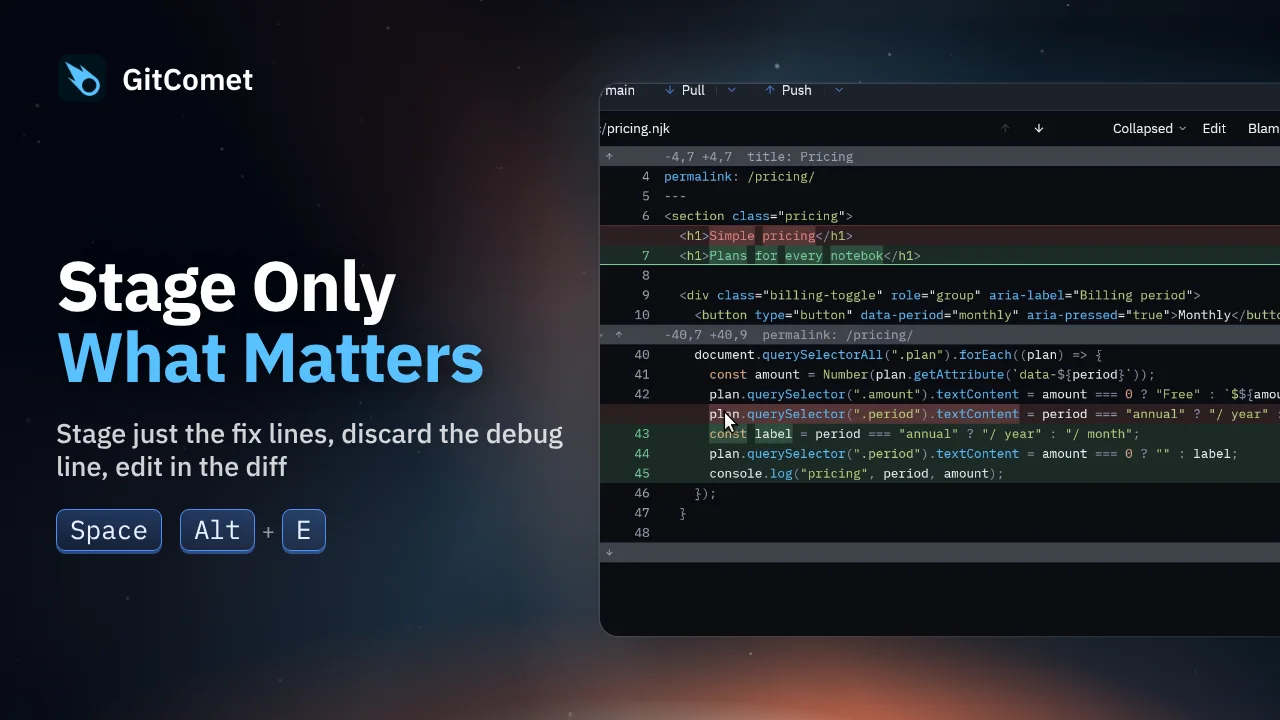
Turn several edits in one file into focused commits. Select and stage just the fix, discard a debug line, and edit a remaining typo directly in GitComet before committing the rest.
 40 seconds
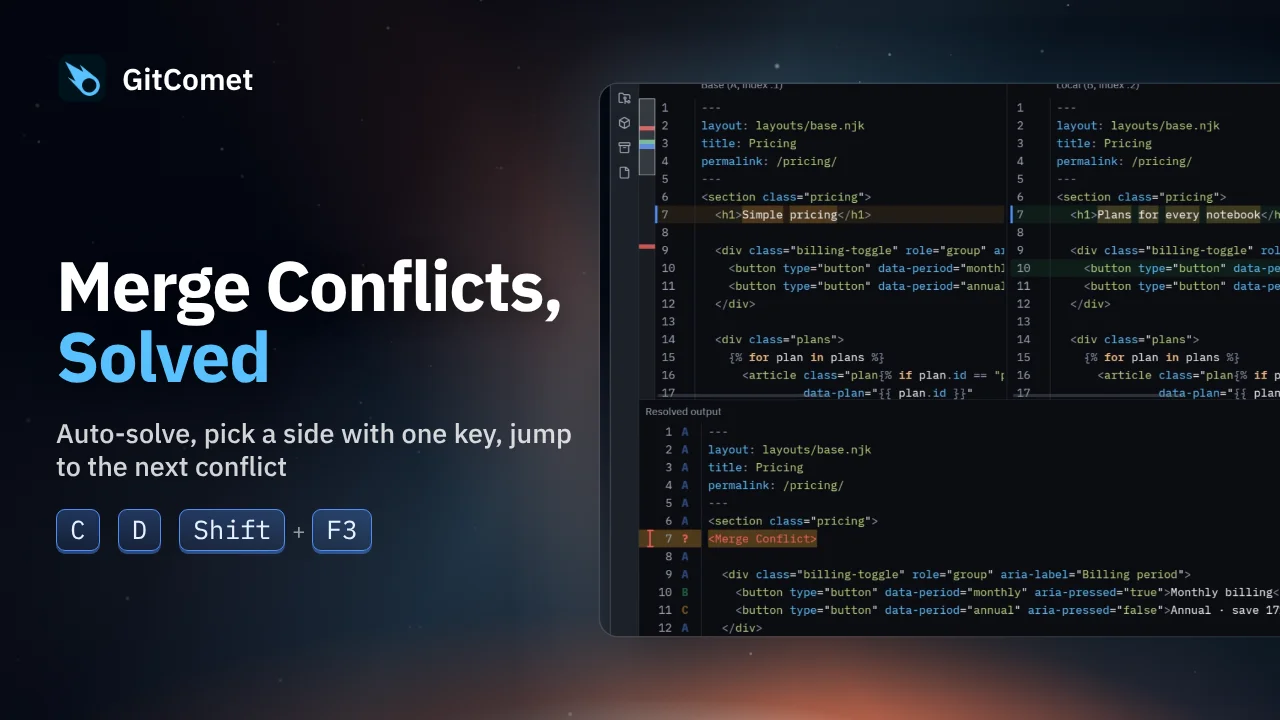
Resolve a Git merge with two conflicted files. GitComet handles the unambiguous conflicts, then lets you choose a side or keep both changes before committing the result.