
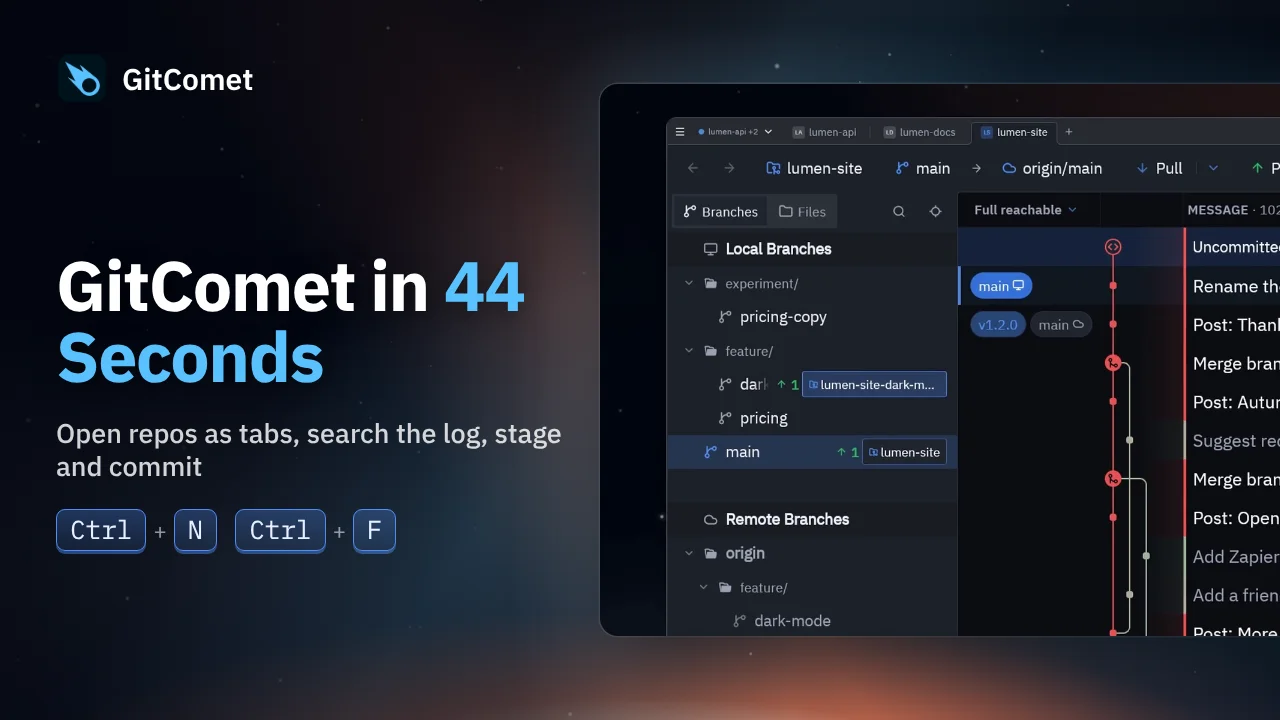
 44 seconds
GitComet in 44 Seconds
Open repositories and worktrees as tabs, find a commit, review its changes and make a focused commit. This short tour follows an everyday Git workflow in GitComet.
GitComet in action · 40 seconds
Resolve a Git merge with two conflicted files. GitComet handles the unambiguous conflicts, then lets you choose a side or keep both changes before committing the result.
Watch on YouTube ↗ Download MP4 Watch the playlist on YouTube ↗
Follow along
Recorded on Linux. The shortcuts below match the recording.
44 secondsOpen repositories and worktrees as tabs, find a commit, review its changes and make a focused commit. This short tour follows an everyday Git workflow in GitComet.
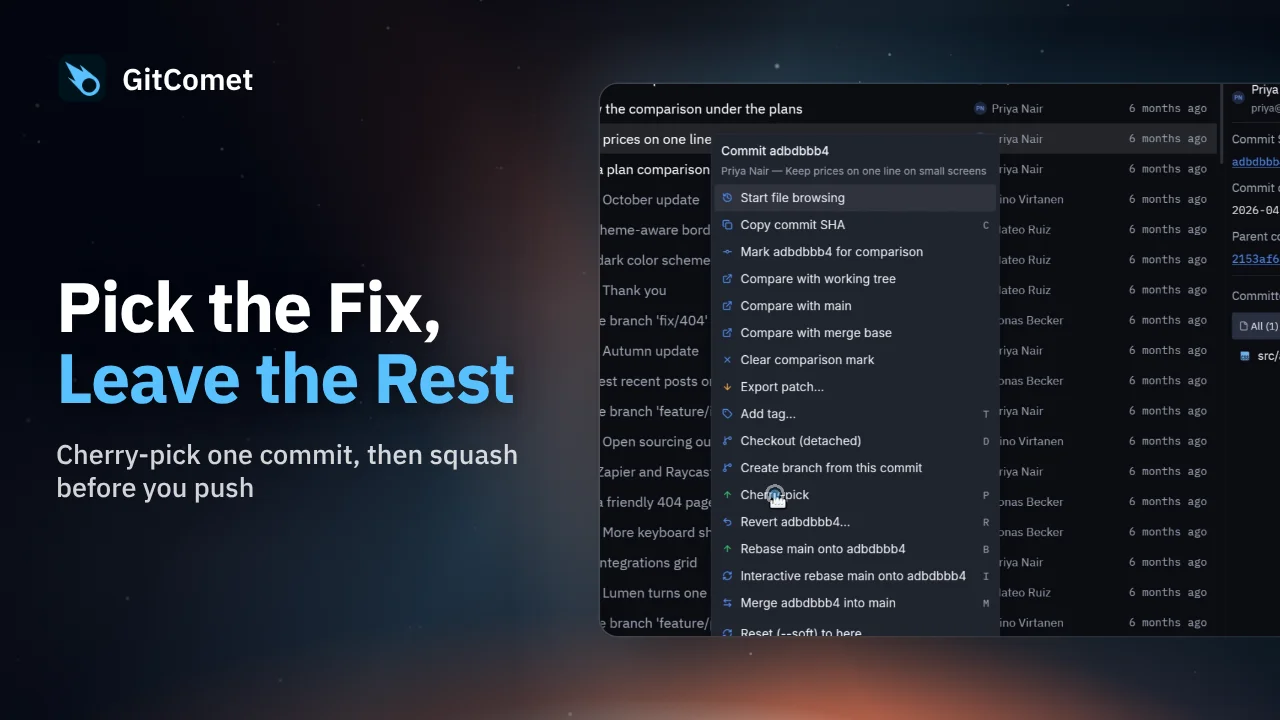 43 seconds
Bring one fix from a feature branch onto main without merging the rest of the branch. Then squash two unpushed commits into a single commit before pushing.
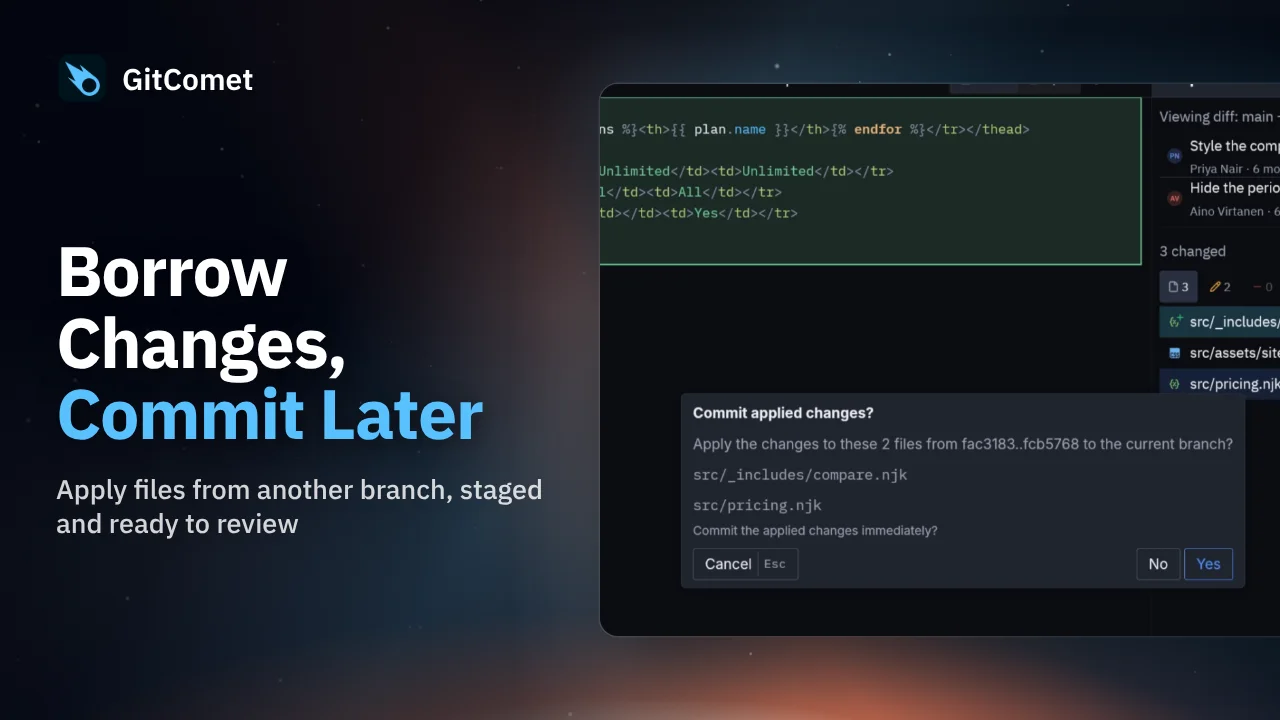 32 seconds
Apply selected files from another branch without bringing over its commits. GitComet stages the chosen changes on your current branch so you can review them before creating a commit.