
 48 seconds
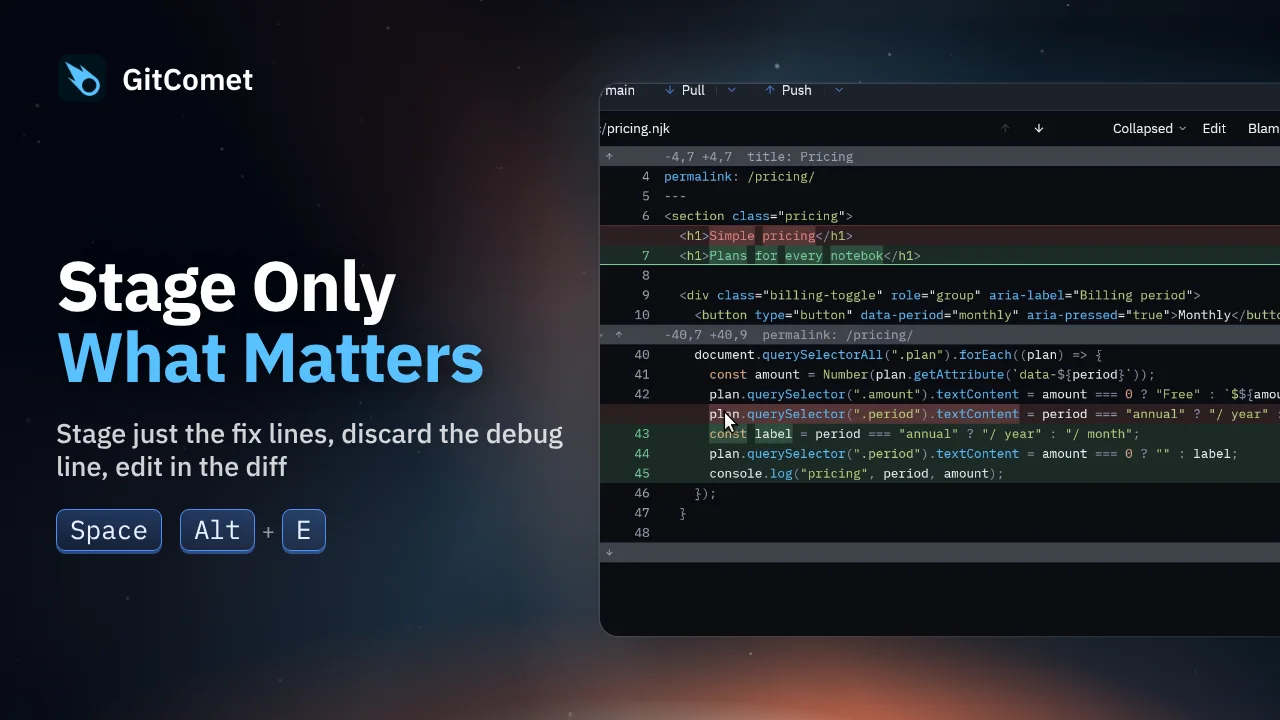
Stage Only What Matters
Turn several edits in one file into focused commits. Select and stage just the fix, discard a debug line, and edit a remaining typo directly in GitComet before committing the rest.
GitComet in action · 28 seconds
Review rendered Markdown, Mermaid diagrams, tables and image changes in GitComet. Compare before and after side by side, or switch back to source text when you need the exact edit.
Watch on YouTube ↗ Download MP4 Watch the playlist on YouTube ↗
Follow along
Recorded on Linux. The shortcuts below match the recording.
48 secondsTurn several edits in one file into focused commits. Select and stage just the fix, discard a debug line, and edit a remaining typo directly in GitComet before committing the rest.
 29 seconds
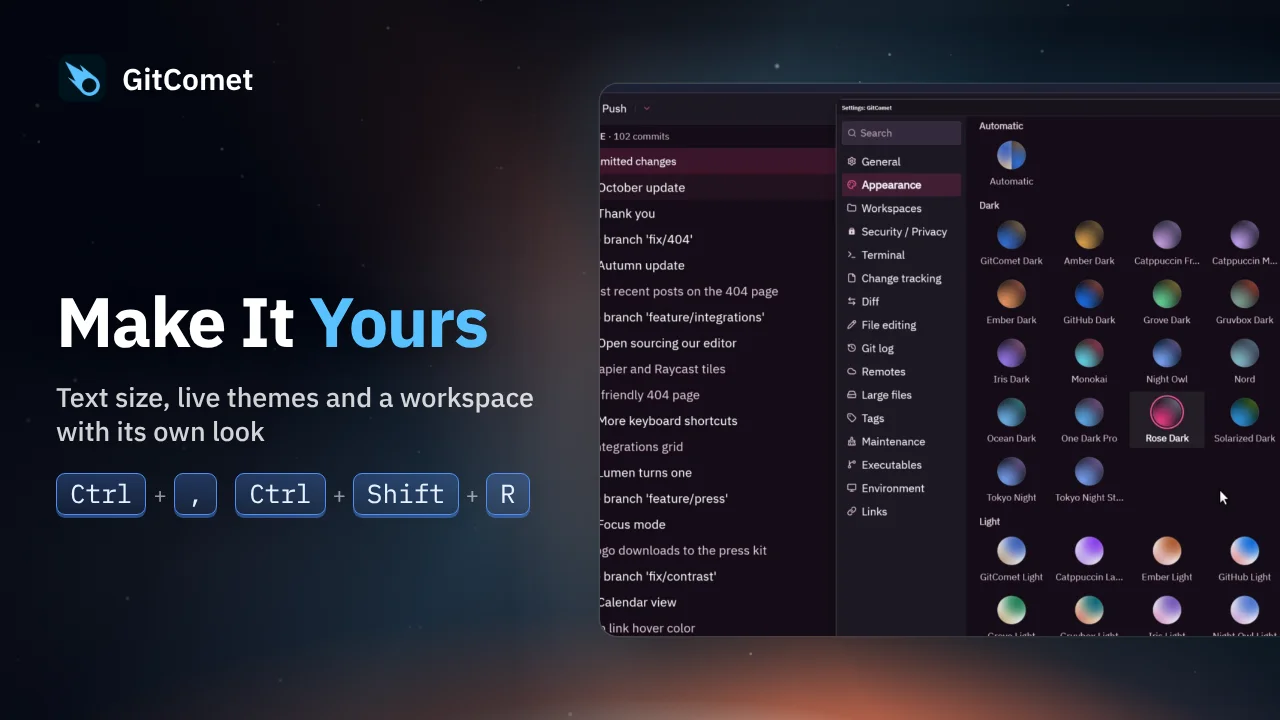
Adjust text size, switch between GitComet’s built-in themes and open another workspace with its own appearance. Theme changes appear immediately as you work.
 44 seconds
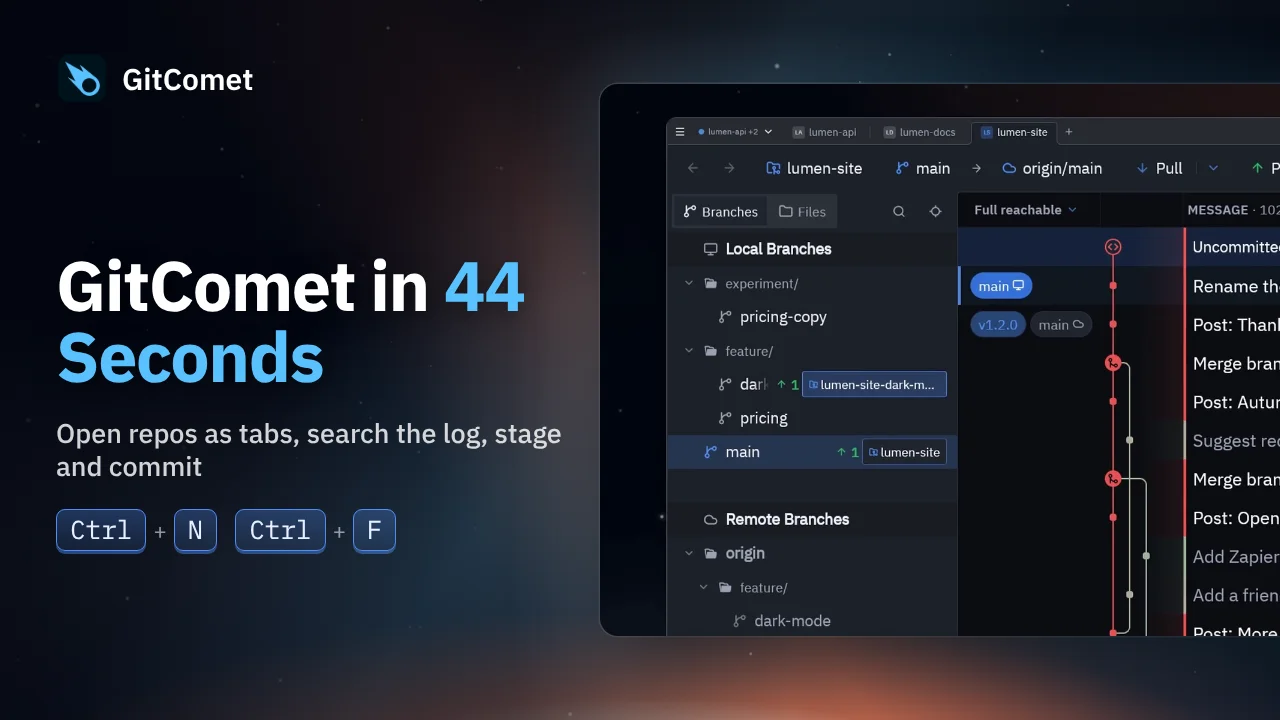
Open repositories and worktrees as tabs, find a commit, review its changes and make a focused commit. This short tour follows an everyday Git workflow in GitComet.