
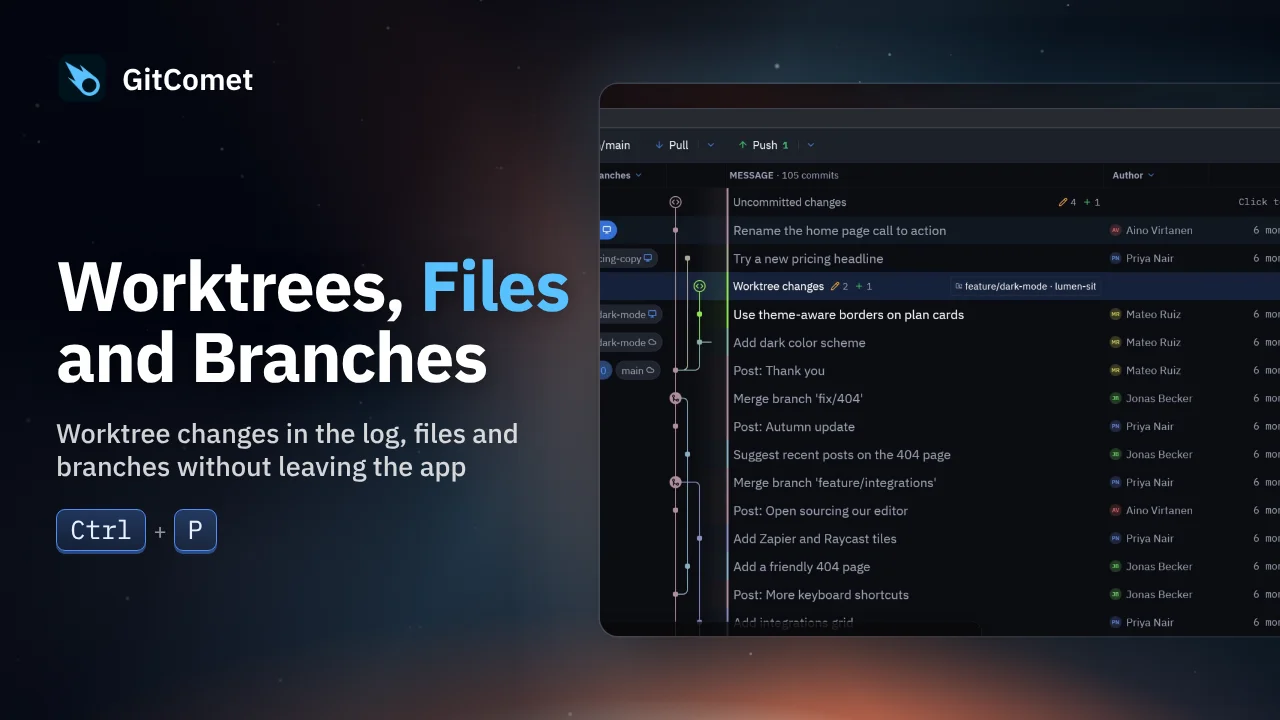
 31 seconds
Worktrees, Files and Branches
Inspect another worktree’s uncommitted changes from the log, duplicate and rename a file in the sidebar, then create and check out a branch without leaving GitComet.
GitComet in action · 46 seconds
Turn on automatic fetch and GitComet fetches every open repository in the background, so new commits show up on each tab. GitComet 0.3.3 also lets you fix an older commit message, hide a remote, focus history on a branch and open a branch in a worktree.
Watch on YouTube ↗ Download MP4 Watch the playlist on YouTube ↗
Follow along
Recorded on Linux. The shortcuts below match the recording.
31 secondsInspect another worktree’s uncommitted changes from the log, duplicate and rename a file in the sidebar, then create and check out a branch without leaving GitComet.
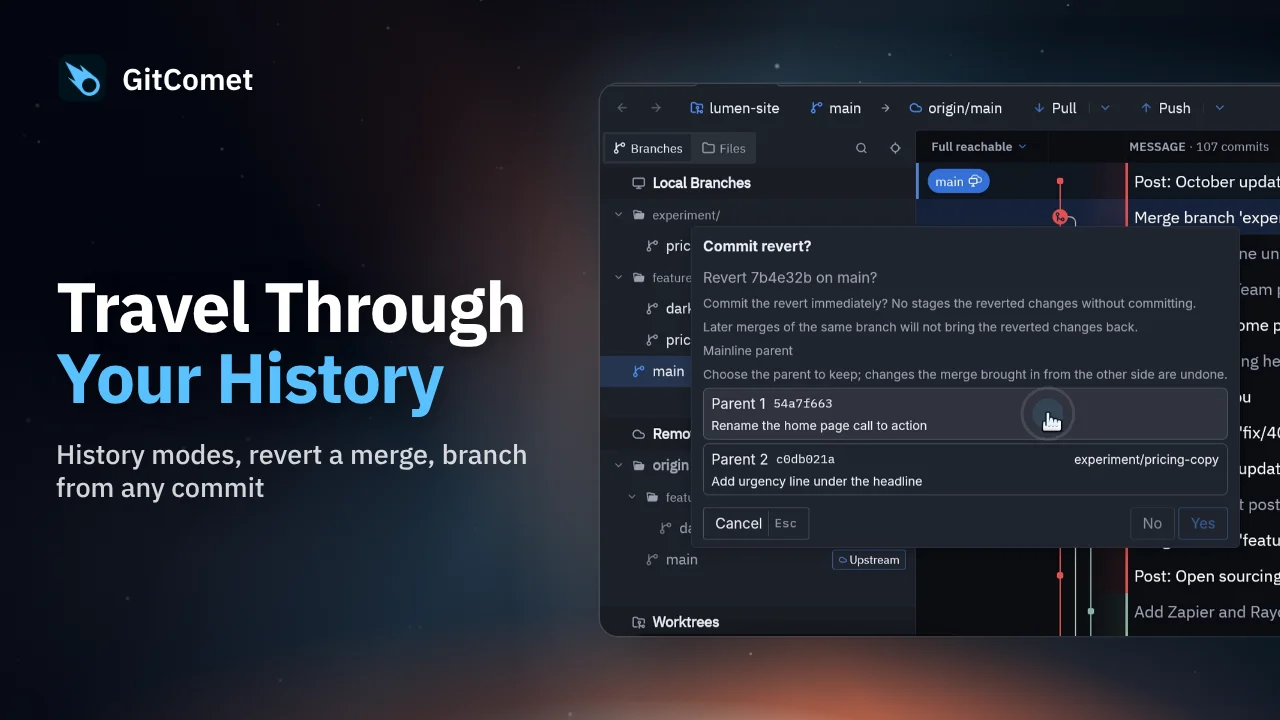 44 seconds
Choose a history view, revert a mistaken merge while preserving history, and create a hotfix branch from an earlier release. GitComet also shows another worktree’s changes directly in the log.
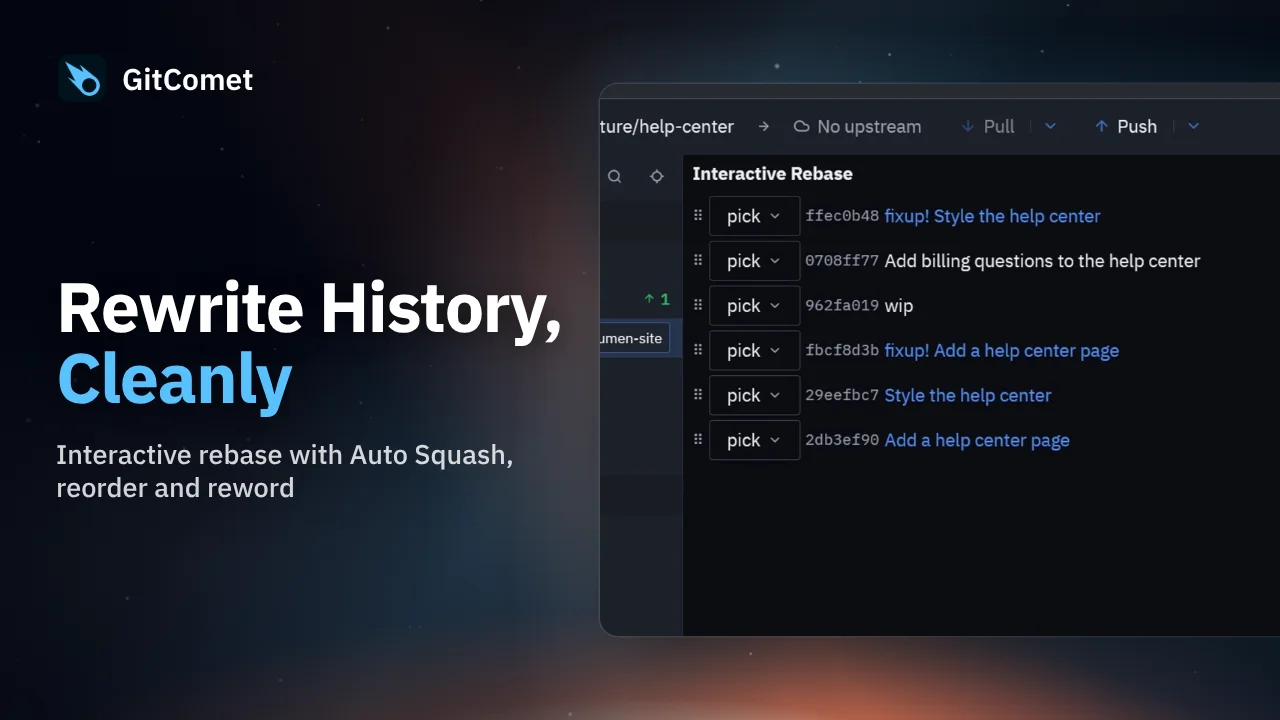 38 seconds
Clean up a branch with GitComet’s interactive rebase editor. Fold fixup commits into their targets, reorder the remaining commits and replace an unclear commit message before completing the rebase.