
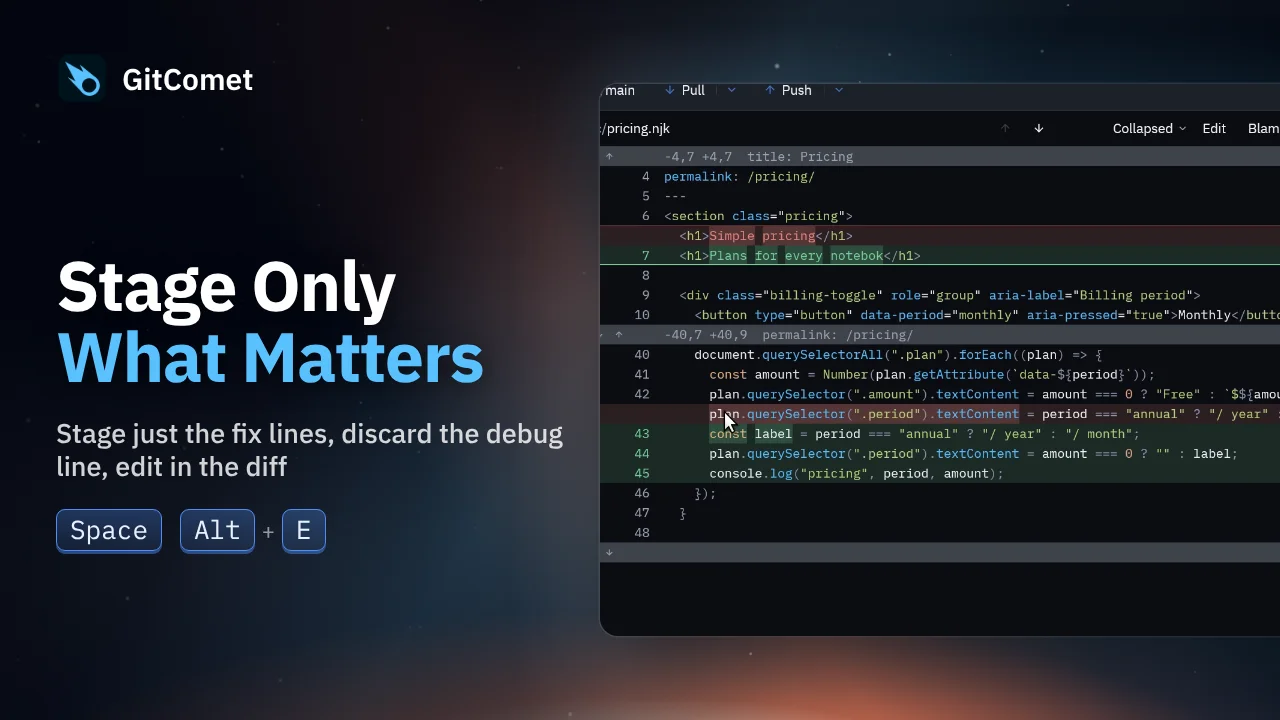
 48 seconds
Stage Only What Matters
Turn several edits in one file into focused commits. Select and stage just the fix, discard a debug line, and edit a remaining typo directly in GitComet before committing the rest.
GitComet in action · 46 seconds
Review a commit, stage your work block by block and push it without reaching for the mouse in GitComet 0.3.4. Find shortcuts by action or key in the searchable cheat sheet, discard a leftover debug line and commit and push in one go.
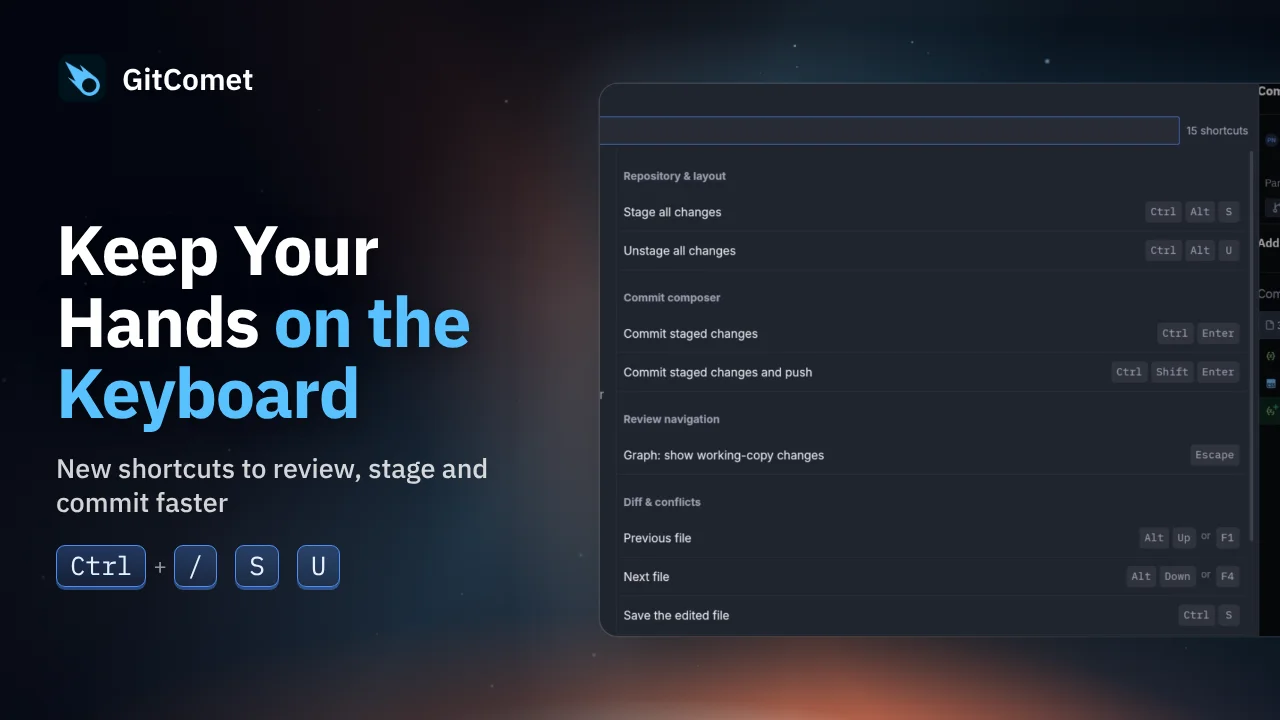
Playing loads the video from YouTube (Google).
Watch on YouTube ↗ Download MP4 Watch the playlist on YouTube ↗
Follow along
Recorded on Linux. The shortcuts below match the recording.
48 secondsTurn several edits in one file into focused commits. Select and stage just the fix, discard a debug line, and edit a remaining typo directly in GitComet before committing the rest.
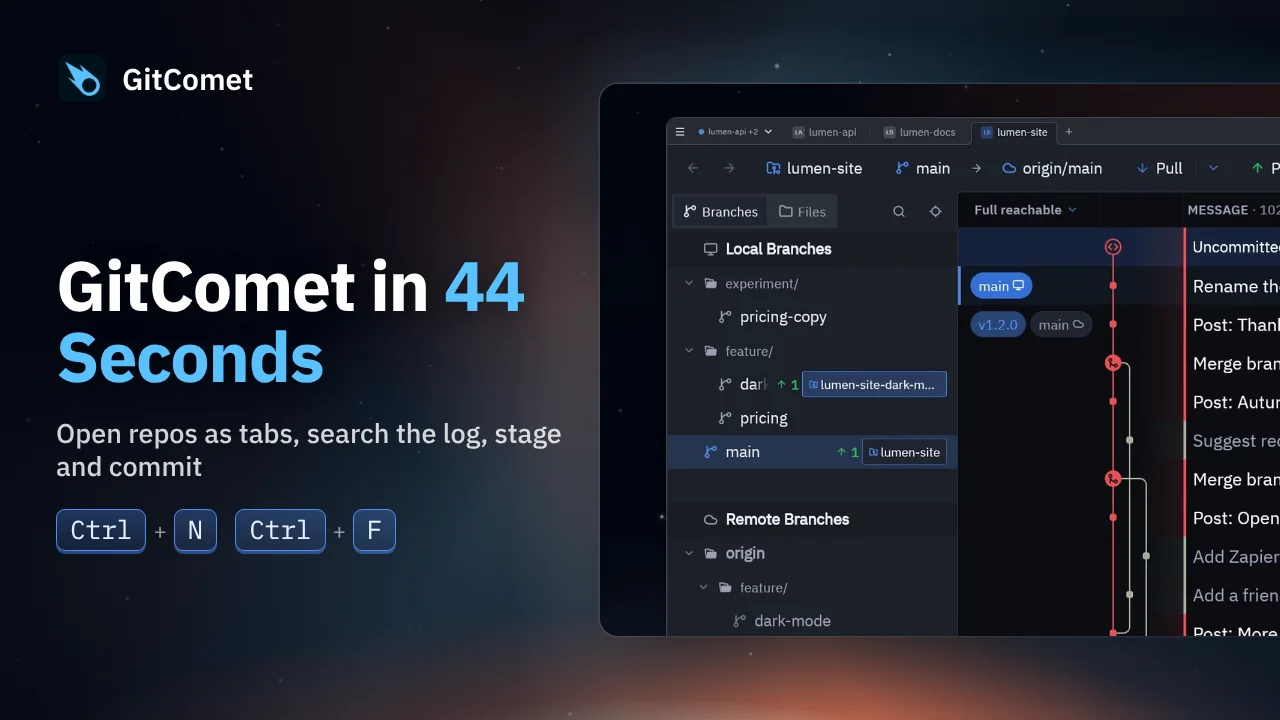 44 seconds
Open repositories and worktrees as tabs, find a commit, review its changes and make a focused commit. This short tour follows an everyday Git workflow in GitComet.
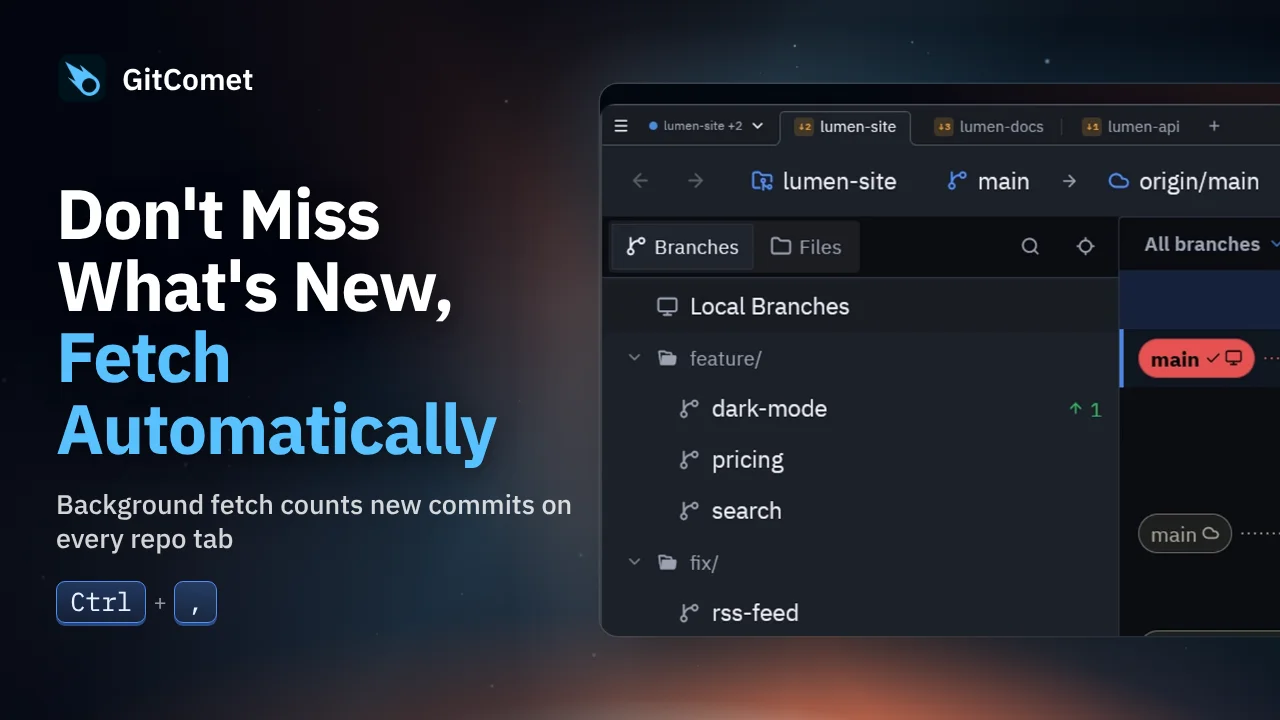 46 seconds
Turn on automatic fetch and GitComet fetches every open repository in the background, so new commits show up on each tab. GitComet 0.3.3 also lets you fix an older commit message, hide a remote, focus history on a branch and open a branch in a worktree.