New GitComet Pro is out now

GitComet Pro · 53 seconds

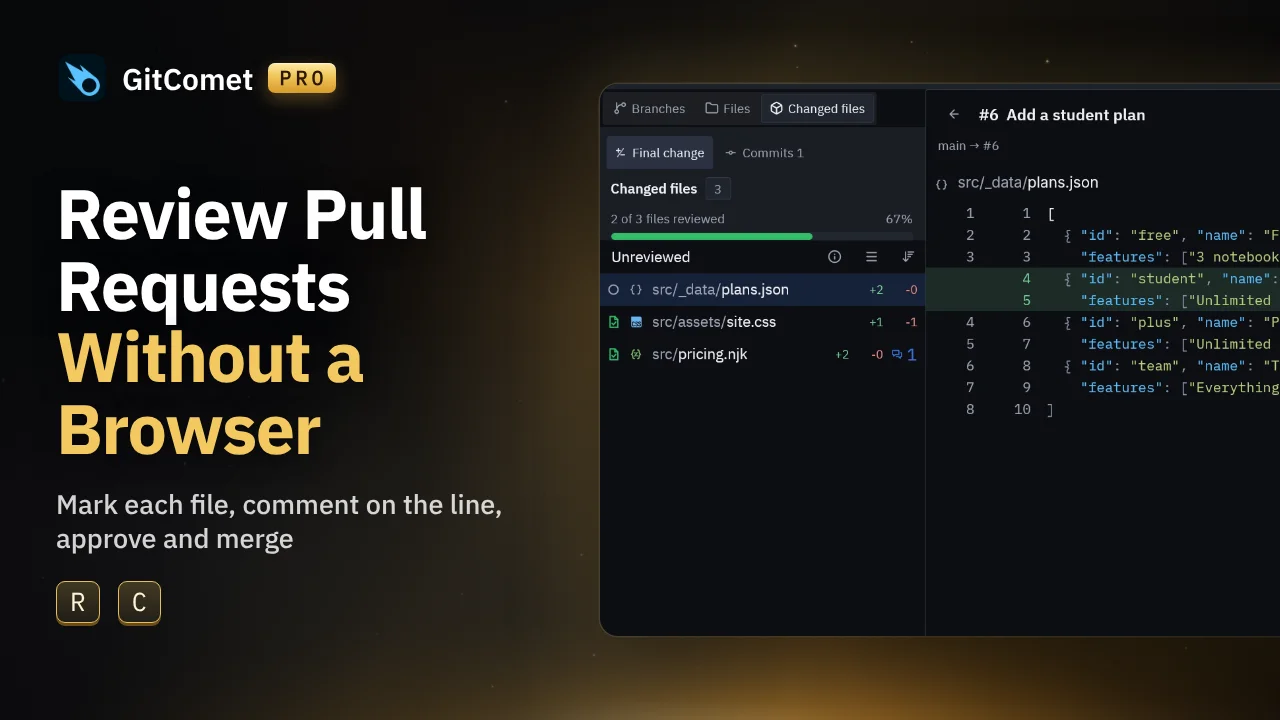
Review Pull Requests Without a Browser

Pick up a pull request in GitComet Pro, read it in GitComet’s diff, comment on a line, approve and merge it without opening a browser. Then see your coding agents in History and write a commit message with your own AI.

Playing loads the video from YouTube (Google).

Follow along

Steps shown in the video

  1. Open Explore and select Pull requests. The queue lists the pull requests waiting for your review. Select one to read its description and conversation, then choose Review.
  2. The pull request’s changed files open in GitComet’s diff. Press R to mark each file reviewed as you read it; the file list shows how many are done.
  3. Select a line and press C to comment on it. Choose Save as draft to keep the comment on your device until you finish the review, or Comment to post it now.
  4. Choose Finish review. With every file reviewed and one draft waiting, select Approve and finish. The verdict and the draft go to the forge together; finishing never merges.
  5. Open the pull request’s Checks tab to confirm the checks passed, then merge it straight from GitComet.
  6. In History, coding agent sessions appear next to the commits they touch, with their status. Right-click a session to bring it to the front, copy its resume command or open a terminal there.
  7. Stage a change and use the spark in the commit message box. Its tooltip says what it sends and which provider answers; AI stays off until you switch it on.